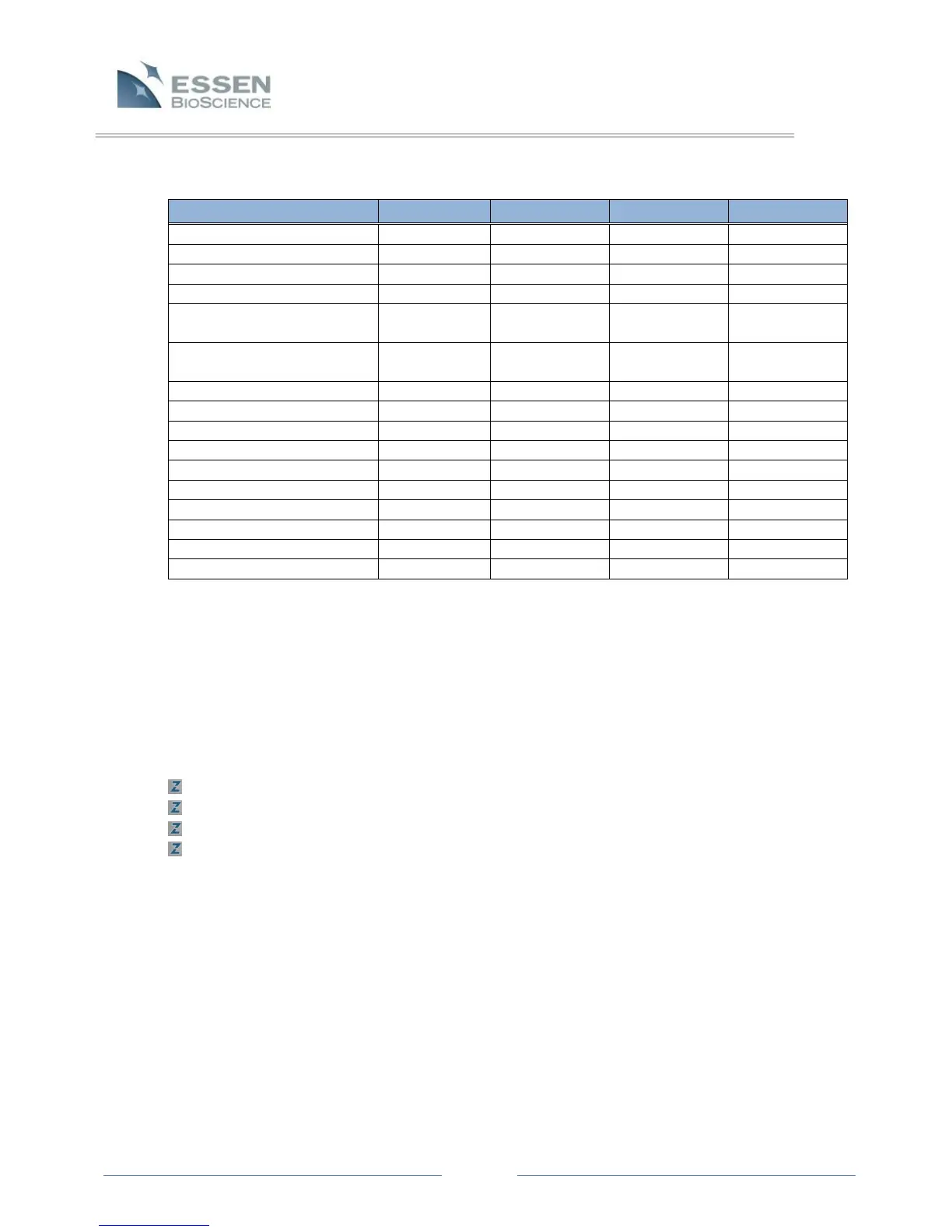
Table 1. User Account Access
Edit Vessel Documentation
Delete Archives from ZOOM-
Attached Storage
Delete Archives from browsed
to from “My Computer”
Add Processing Definitions
Edit Processing Definitions
Delete Processing Definitions
View Diagnostic Scan Metrics
5.4 Remote Administration of the Controller
The IncuCyte ™ ZOOM controller consists of a single-board computer running a Windows-based
embedded operating system. This computer is dedicated to controlling the IncuCyte™ ZOOM
hardware and providing remote access to the data collected by the instrument. To insure reliable
and proper operation of your IncuCyte™, the factory settings of the controller operating system
should not be altered. However, we recognize that there may be instances when it is desired or
even required to log onto the embedded controller desktop. Some examples include:
Renaming the controller from the factory-set name
Configuring the primary Ethernet port with a static IP address
Installing anti-virus and/or firewall software
Installing Essen-recommended Windows updates
The IncuCyte™ controller ships with a unique Administrator password for accessing the
controller’s Windows desktop. Essen BioScience maintains a record of this password, so we
strongly discourage you from renaming the Administrator password. We also recommend that
this password be protected and that the controller operating system be accessed only out of
necessity. Altering the controller operating system as little as possible is the best way to
guarantee stability of the software that controls the IncuCyte™ ZOOM.
The easiest method for accessing the controller desktop is through the Windows “Remote
Desktop Connection” tool. Windows XP Users can access this utility through the Windows Start
menu under the “Programs -> Accessories -> Communications” menu. Users of Windows Vista
and Windows 7 will find the utility in the “All > Programs > Accessories” menu.



 To Next Page