Click!
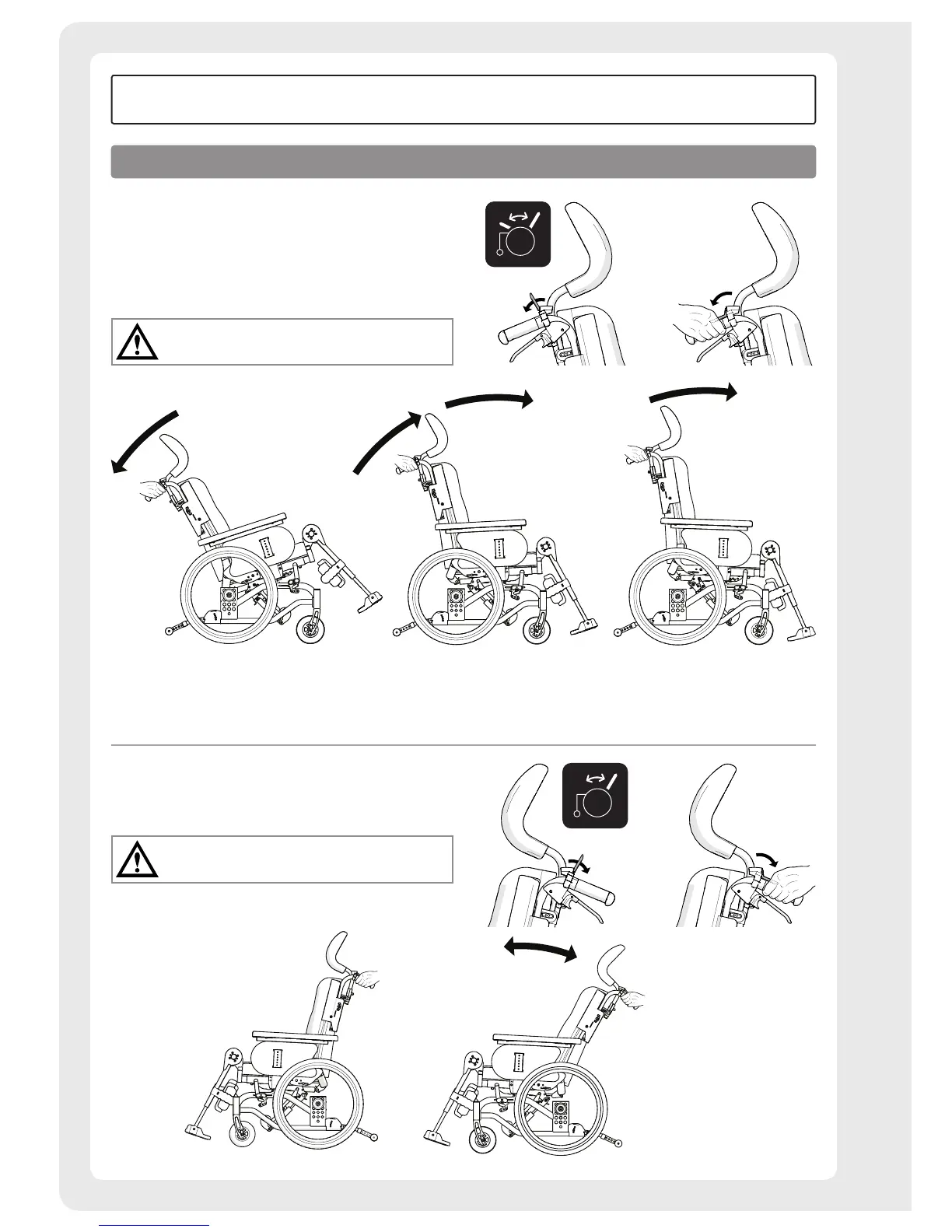
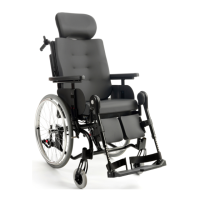
Tilt function, comfort lock
The chair is tilted by pressing down the adjustment on the
right handle frame. On chairs equipped with comfort locks,
forward tilting is stopped at the pre-installed comfort lock.
Keep the adjustment pressed down, and press forward
slightly to get past the comfort lock.
Bear in mind the risk of tipping.
Always check the positioning of the anti-tips.
Back angling
The back angle is changed by pressing down the back angle
controls on the left side.
Bear in mind the risk of tipping.
Always check the positioning of the anti-tips.
How to use
User manual


 To Next Page