Getting Started With Patching 11
Patching a Dimmer or Single-address Device
1. Press Add dimmer.This will open the Patch Wizard display.
2. Select zone to enter the number.
3. Select Count to enter in the number of similar devices you are patching. If the quantity is more than
one, each dimmer will occupy one DMX address, starting from the address you specify.
4. Select DMX to enter the DMX address (1 through 512).
5. Select Accept to patch, or Cancel to exit.
Duplicate Cell
Duplicate cell lets you place two dimmers on the Zone Map in different places patched to the same zone.
Note: Duplicate cell adds dimmers only and not Echo Zones or devices. Echo Zones and devices
must be patched and placed individually. See Add Device and Add Echo Zone.
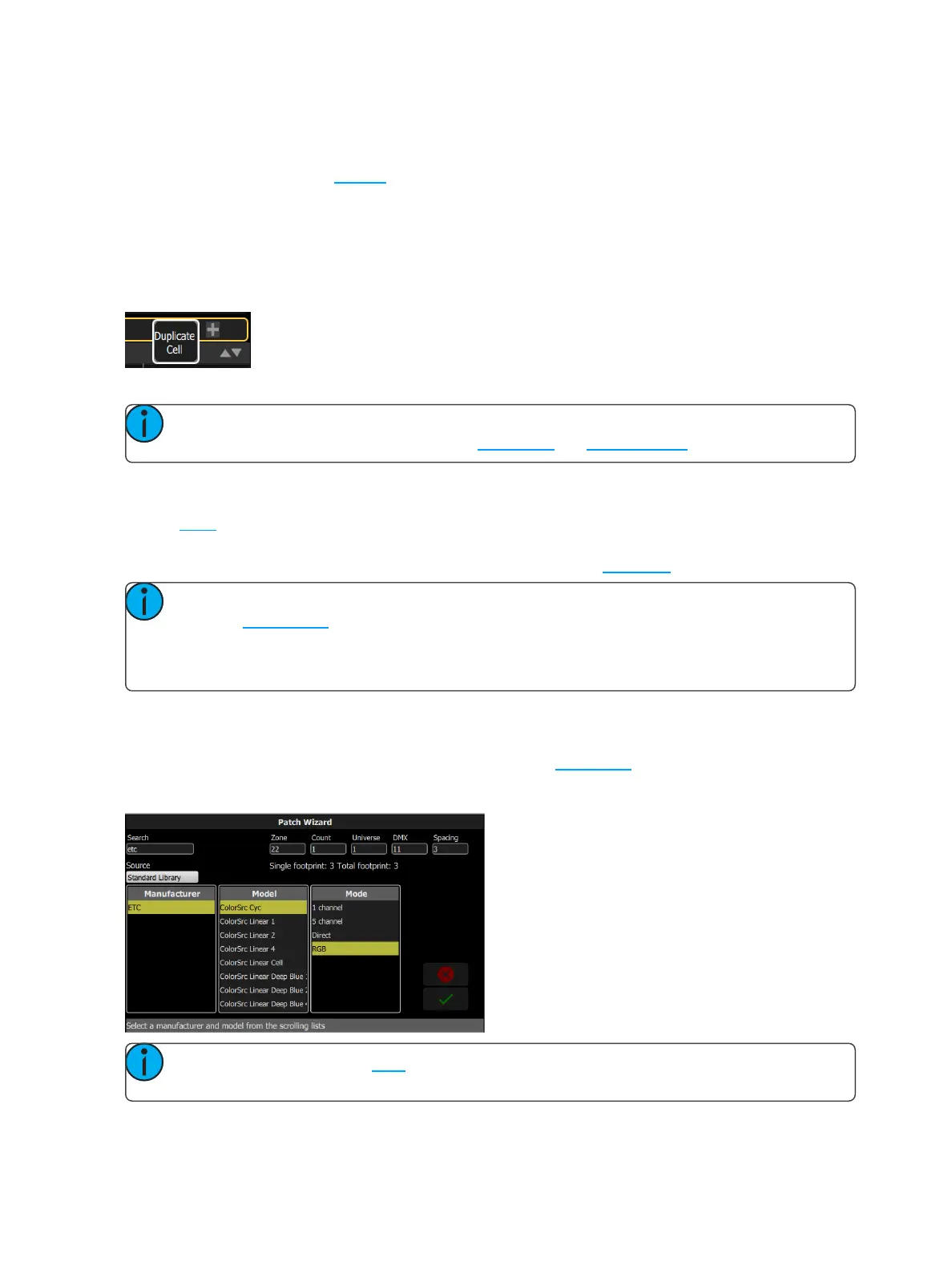
Pick a zone in the patch list and select the + button and then the Duplicate cell button to make a copy.
A new cell is added and is patched to the next-highest free DMX address. You may change the address and uni-
verse in Patch.
When a duplicate cell is selected or operated, each of the duplicate cells on the Zone Map will respond
together. Each cell of a duplicate zone may be moved separately on the Zone Map.
Note: You can also add dimmers to a zone without showing them as separate cells on the Zone
Map. Use Add Dimmer and then set the zone number to be the same as the zone you want to add
the dimmer to. Dimmers added in this way do not consume space on the Zone Map, for instance you
may need one zone to control a range of dimmers for house lights without wishing them to be each
placed and indicated separately.
Add Device
Devices are multiple-address lights with a number of controllable parameters, such as position, color, beam,
and intensity. Devices have their own personality, which defines what each parameter does and which controls
are needed.
Note: Lighting devices with RDM available and enabled will be found automatically and added to
the list of devices in the patch. However, you must assign them to zone numbers.



 To Next Page