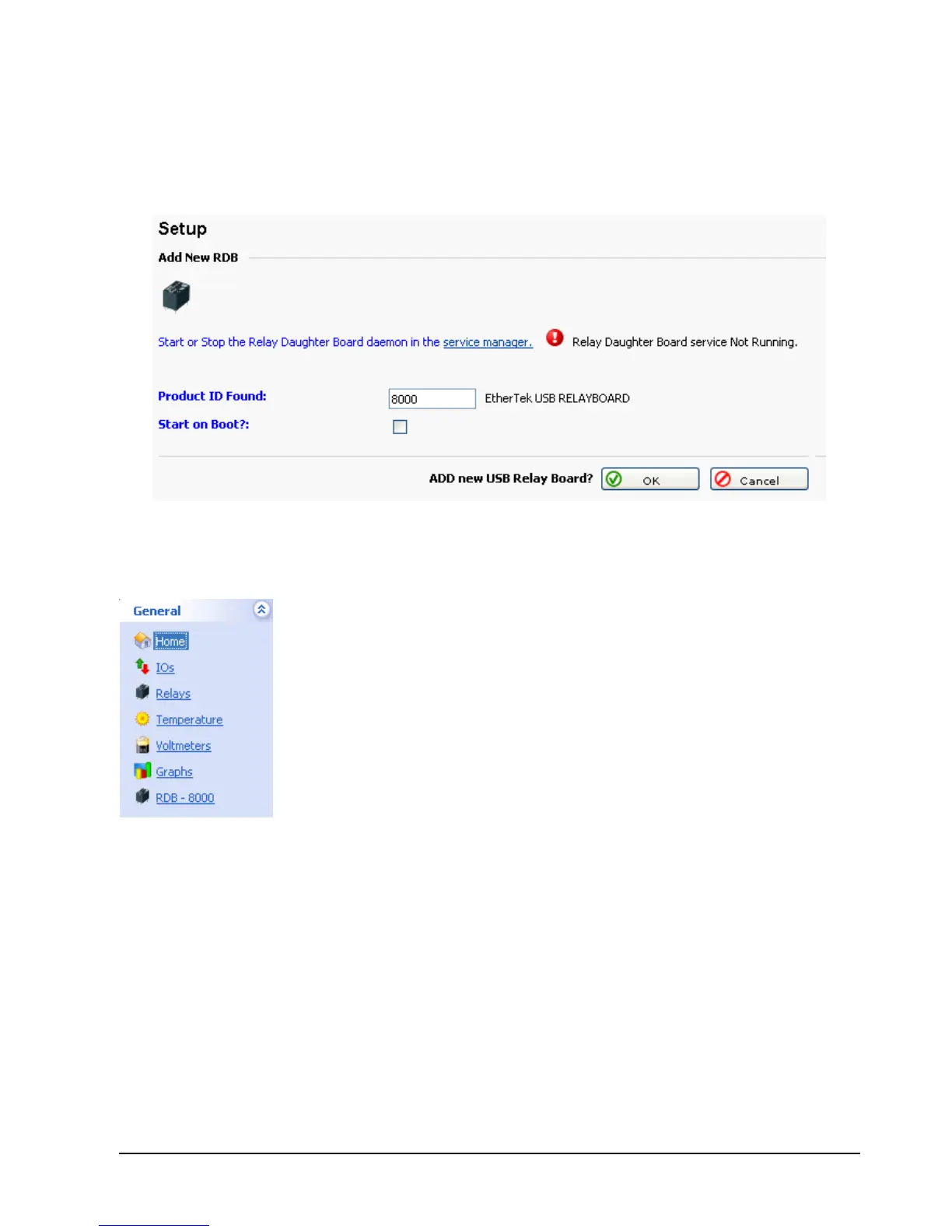
Below is the USB Relay Board setup interface. The RMS-200 will automatically detect
any USB Relay Boards found. Here you can select which Relay Daughter Board you
want to work with. Decide if you want the USB Relay Board to start when the RMS-200
system is booted, then click OK.
When a USB Relay board has been selected, an icon in the left
navigation bar will appear. Clicking on the USB Relay Board icon will
take you to the setup page for the selected USB Relay Board.



 To Next Page