FTP Based Upgrade
To perform an ftp based firmware upgrade, first download the latest Kernel or RootFS file
from the firmware download area to your computer. The examples below assume a computer
running Windows, but the commands will be similar on any OS. The examples below assume
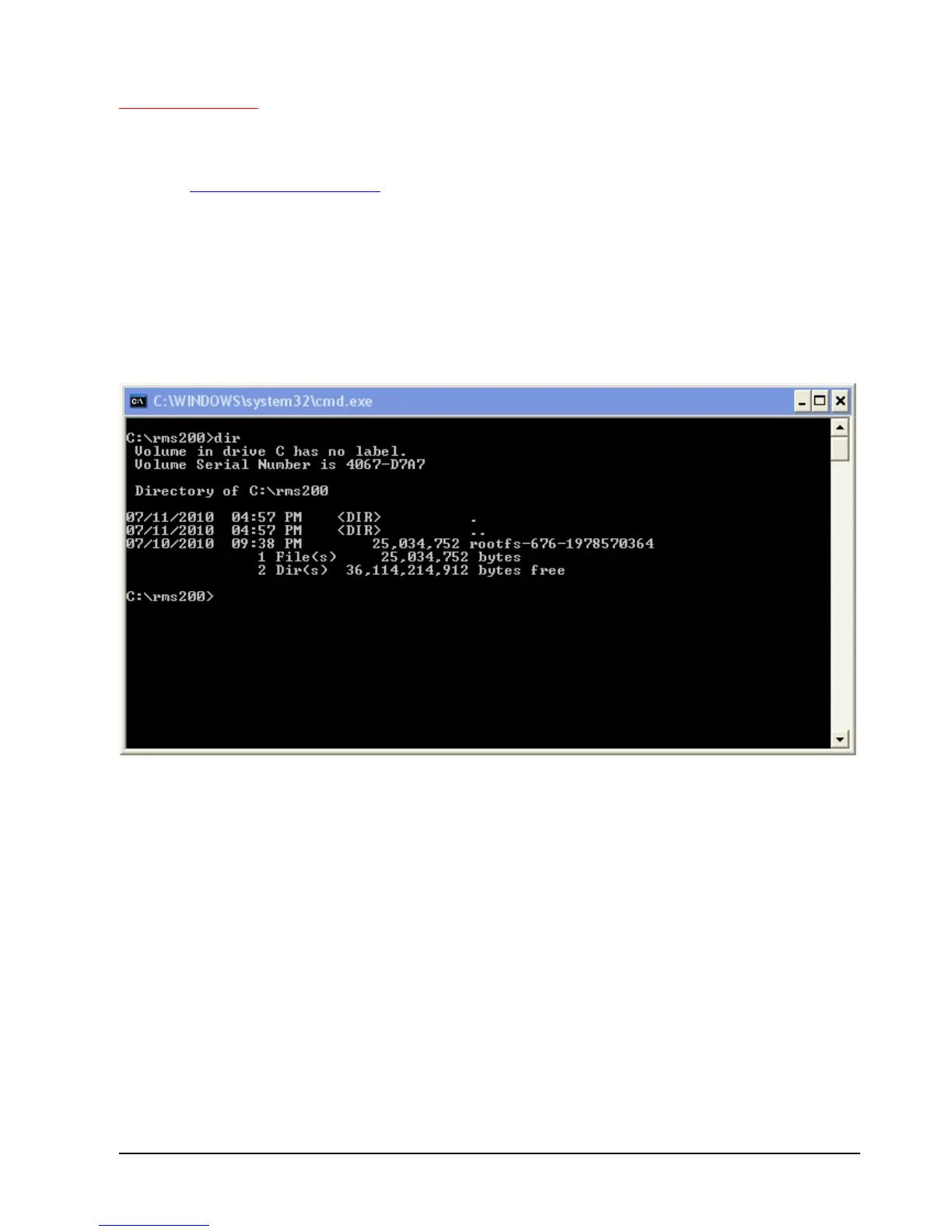
a folder on the C:\ drive called RMS200 that contains the firmware that you would like to
upload to your RMS-200 board. The example below assumes that the Telnet Server has
been enabled on the RMS-200 board. In the example below a rootfs firmware upgrade is
used.
Open a Dos Box or Command Prompt box and change to the RMS200 directory, then type
out dir and then press Enter.



 To Next Page