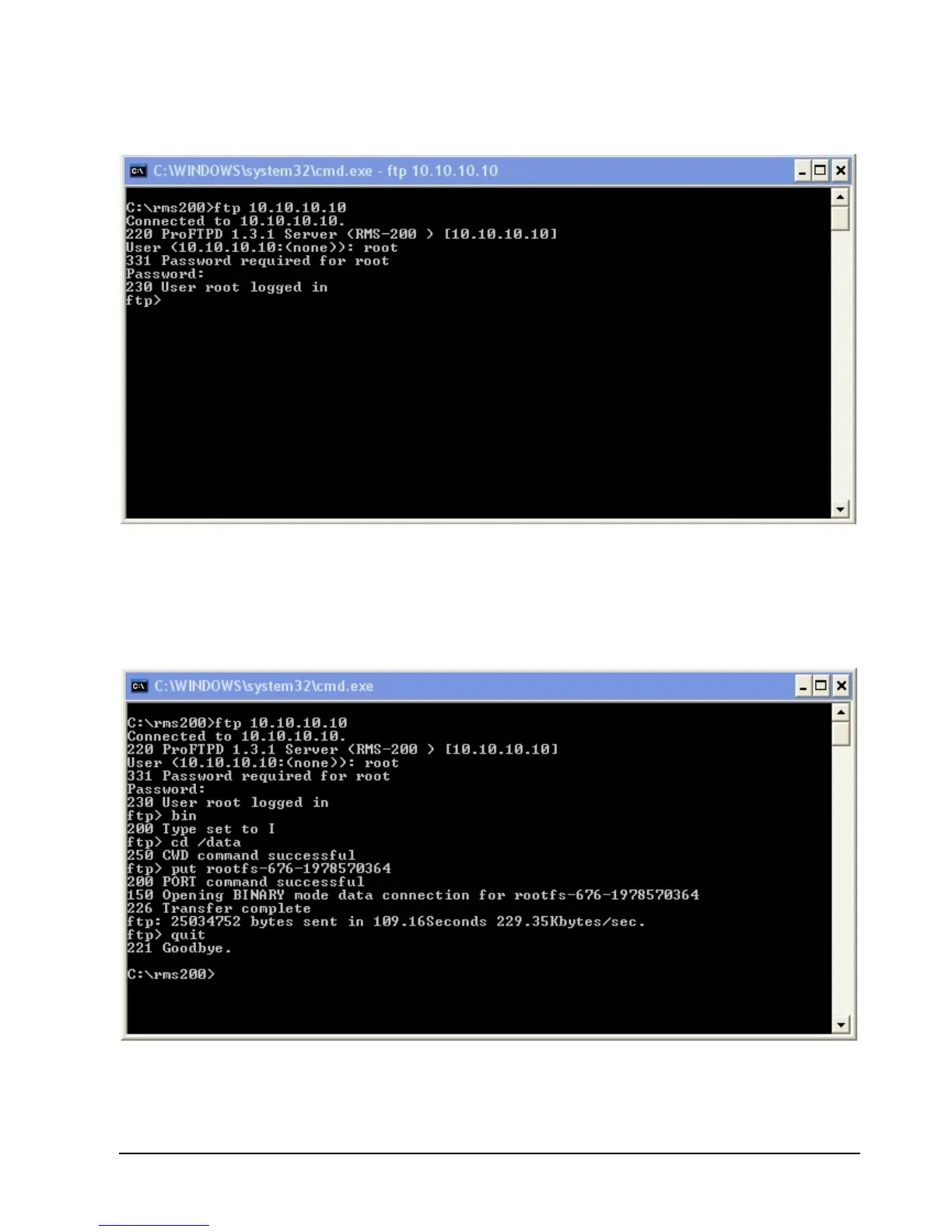
Log into your RMS-200 board with the ftp command. The example below uses the default
RMS-200 ip address 10.10.10.10.
Once logged in, as shown below, type out bin and press Enter. Next type out cd /data
and press Enter. Then type out put rootfs-XXX-xxxxxxxxxx (where XXX is the firmware
build number, and xxxxxxxxxx is the checksum), and press Enter. The firmware will be
uploaded to the RMS-200 board. When the upload is complete, type out quit and press
Enter.



 To Next Page