The Temperature
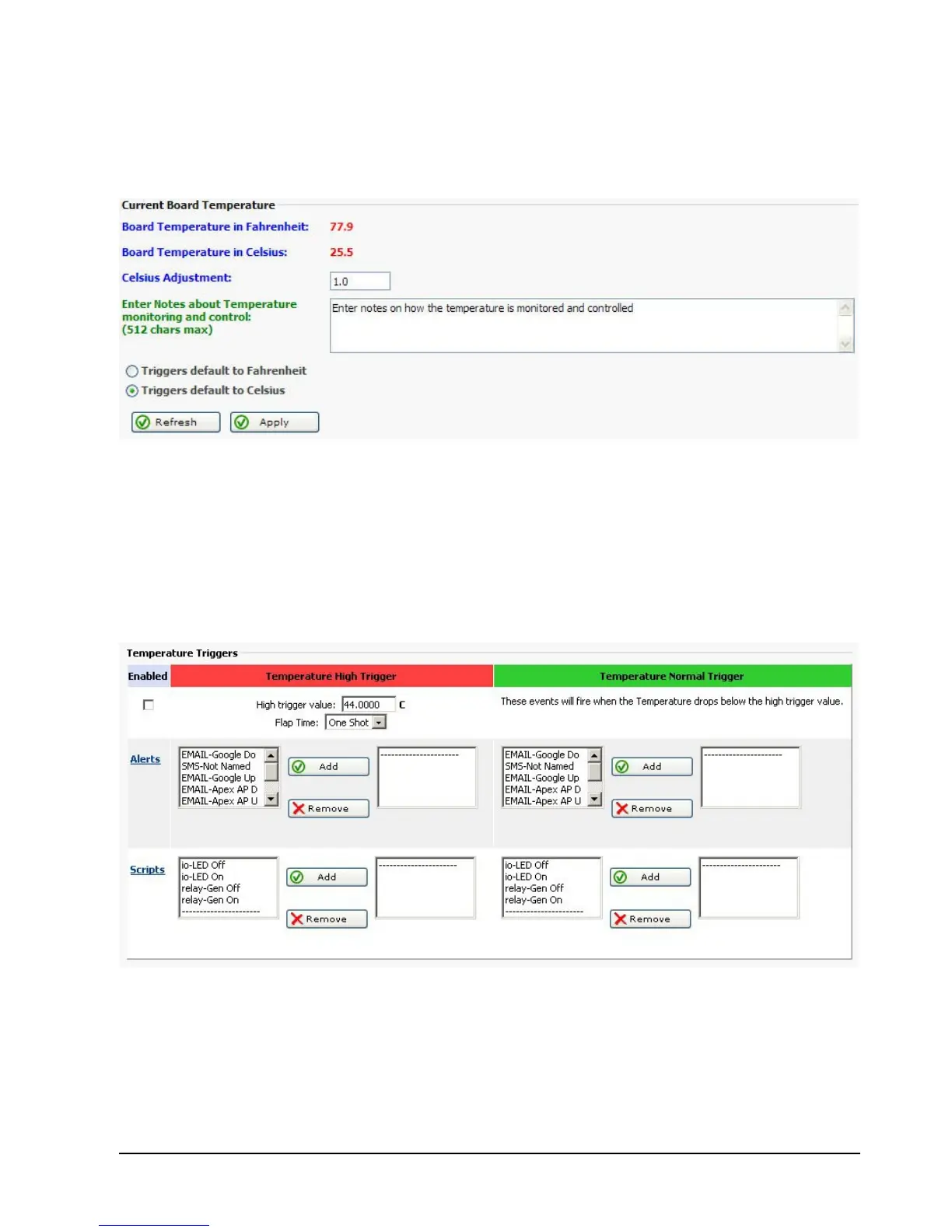
Below is a screen shot of the RMS-200 temperature setup page. Preliminary setup steps are
done in this area like entering notes and choosing the temperature format.
The RMS-200 web interface has High and Low triggers that can be set to fire alerts or scripts
when the temperature is either too high or too low. Use the relay scripts to turn on a cooling
fan for example. The High Trigger is used when the temperature rises above the High Trigger
value. The Normal Trigger is used when the temperature falls below the High Trigger value.



 To Next Page