PUSH BUTTONS
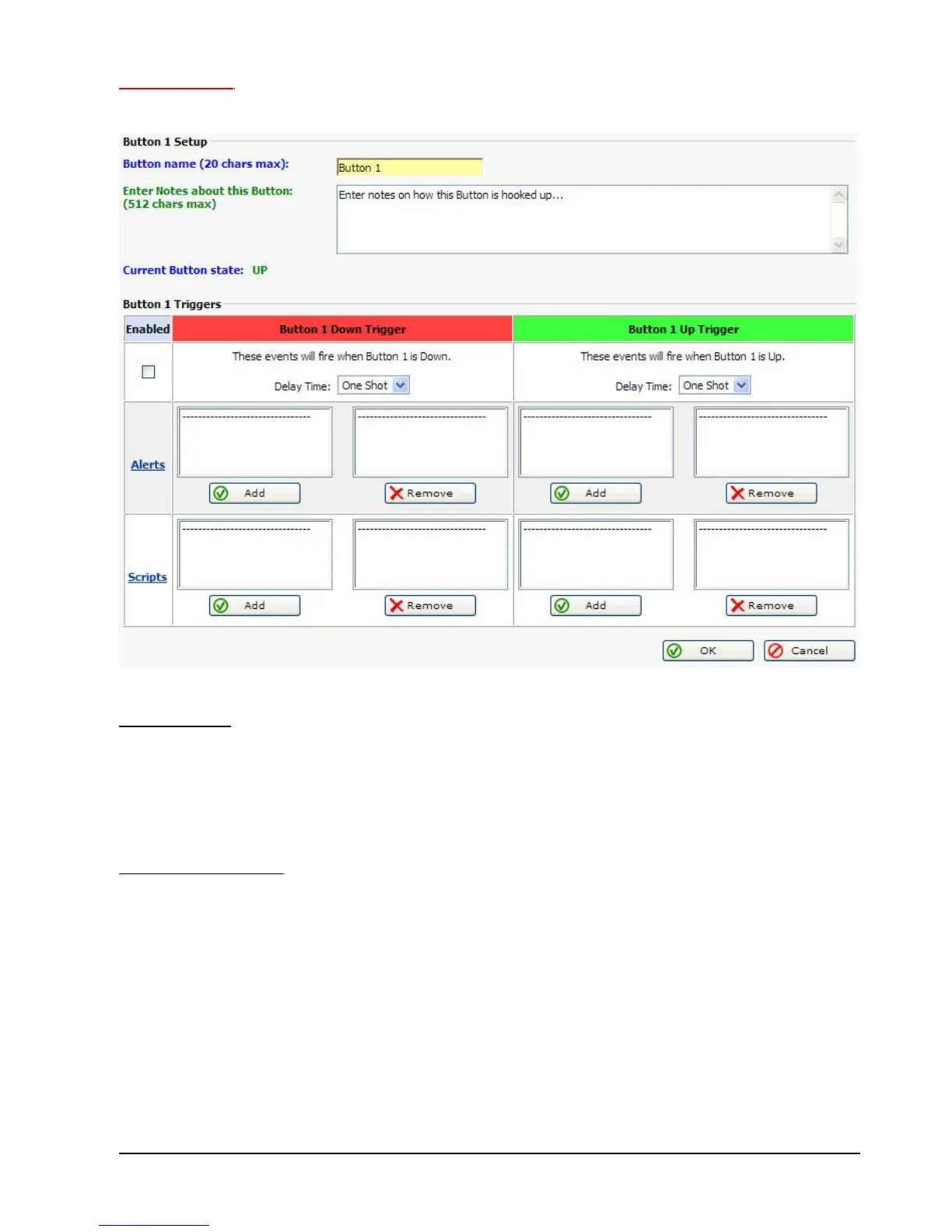
Below is a screen shot of the RMS-200 Push Button 1 setup page. Use these buttons to
manually control devices, or use them for onsite testing of alerts or scripts.
Button 3 Note:
When the RMS-200 is booting up it first checks to see if Button 2 is being held down. If Button
2 is held down then all of the configuration files in /etc are re-written bringing the RMS-200
unit to a factory default condition.
Button General Note:
When the ALARM LEDS on the RMS-200 board perform a flashing sequence, the Linux OS
has fully booted and normal button operation can commence.



 To Next Page