Firmware Upgrades
Please visit http://www.remotemonitoringsystems.ca/rms200/firmware.php for the newest
firmware revisions for your RMS-200 board. There are two easy ways to upgrade the
firmware on the RMS-200 board. You may either choose the Web Browser based method
or the FTP based method.
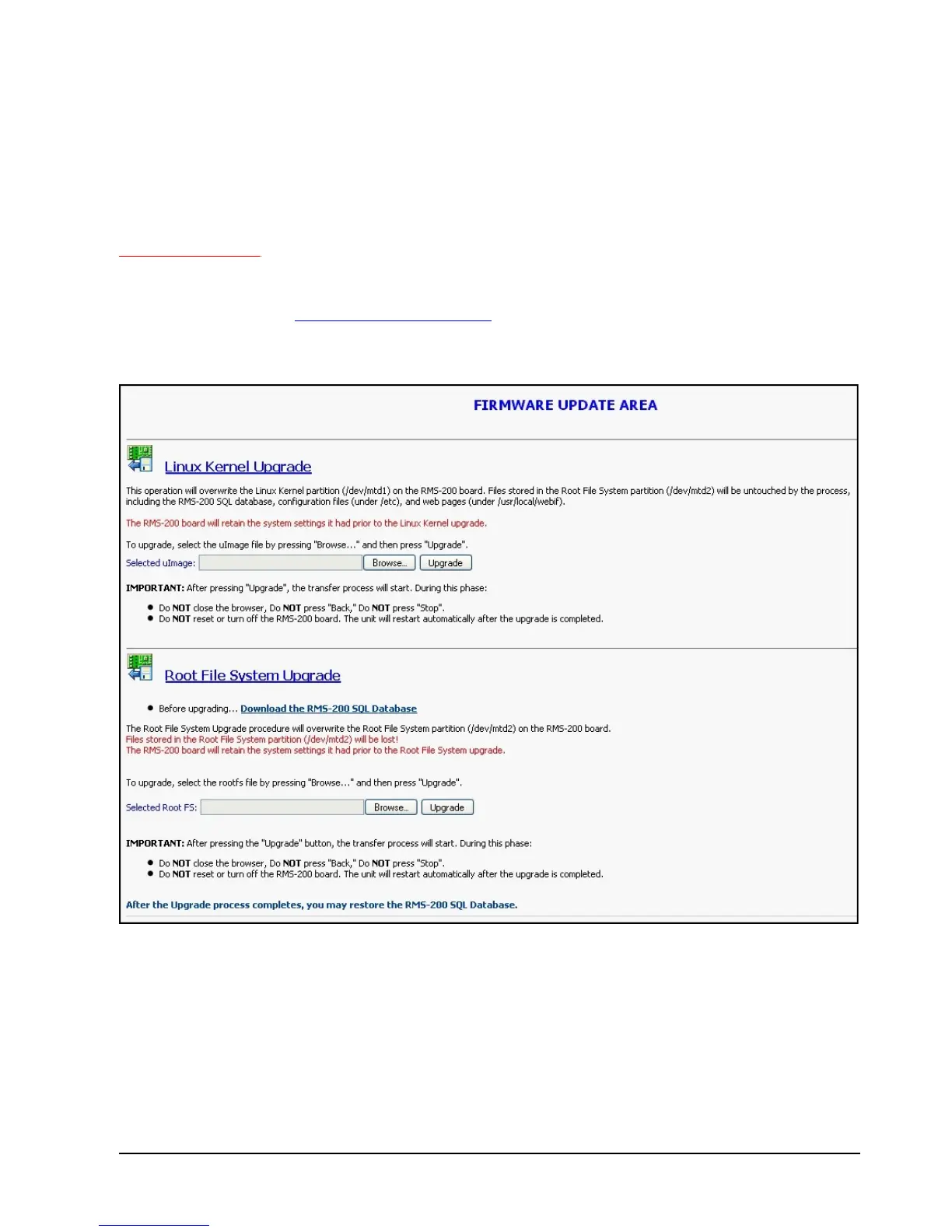
Web Based Upgrade
To perform a web browser based firmware upgrade, first download the latest Kernel or
RootFS file from the firmware download area to your computer. Connect to the RMS-200
board with your favorite web browser and click on the setup icon. When the setup page loads,
click on the Firmware Upgrade icon to be taken to the screen below.



 To Next Page