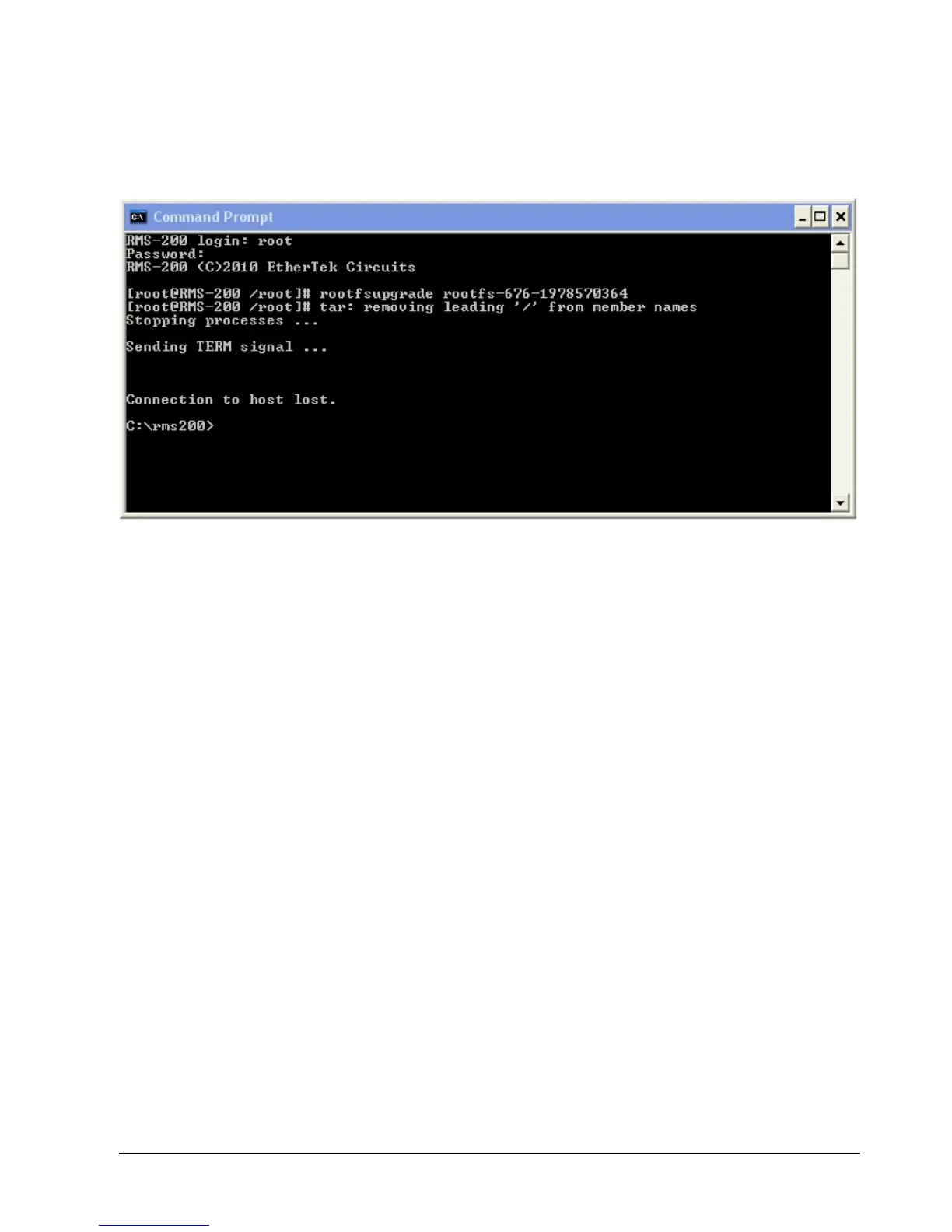
Open a Dos Box or Command Prompt box and telnet to the RMS200 board, then type out
rootfsupgrade rootfs-XXX-xxxxxxxxxx (where XXX is the firmware build number, and
xxxxxxxxxx is the checksum) and then press Enter: You should see similar output to what is
shown below.
When the firmware programming is complete, the RMS-200 board will reboot with the new
firmware image. After 45 seconds you may reconnect to the RMS-200 board and upload
your data base, add scripts etc.



 To Next Page