Introduction
4 3GS User Guide
Introduction
This manual is intended as a quick reference User Guide for the 3GS System.
User Menu
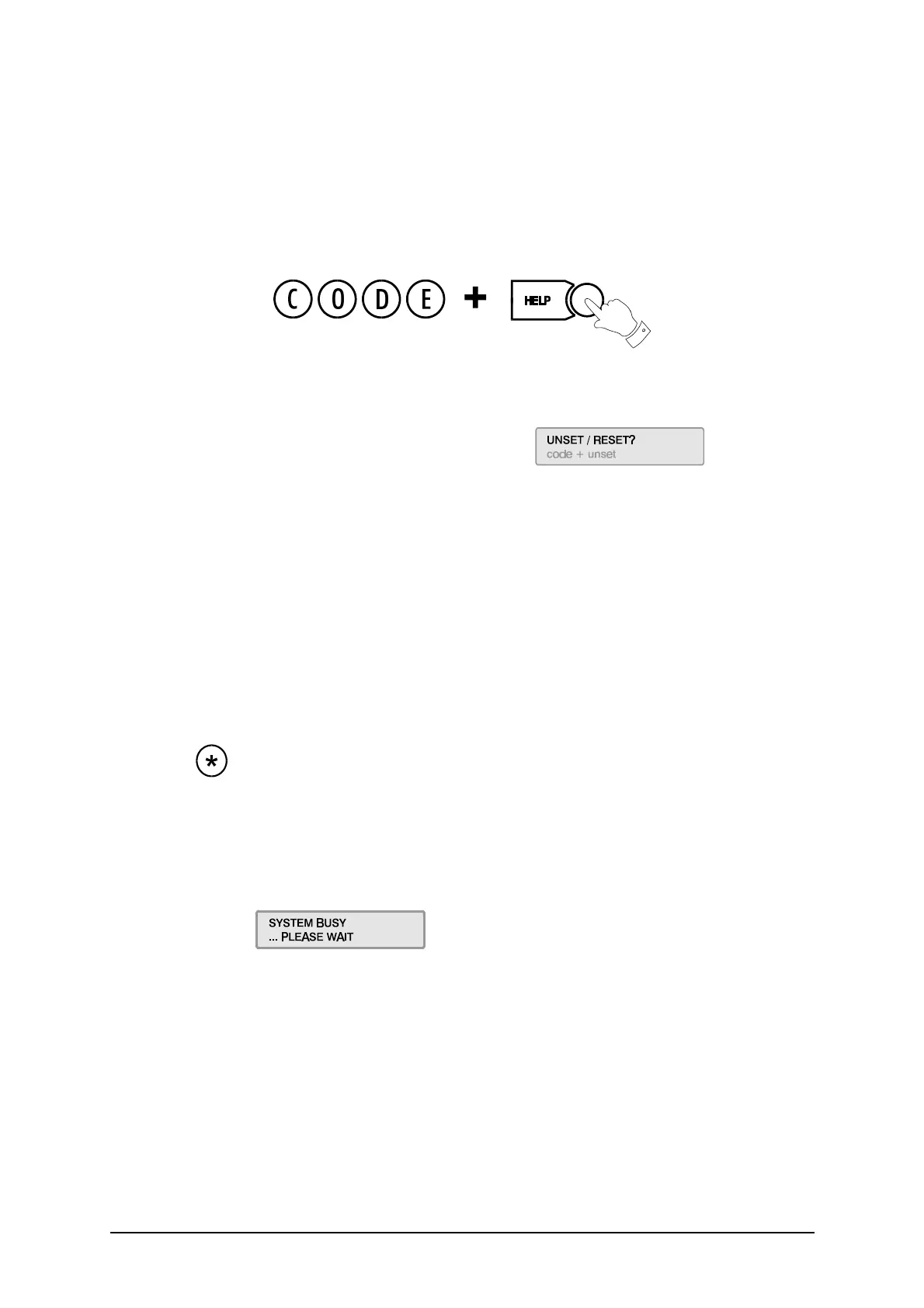
The User Menu, by which the user programs the system, is accessed via the keypad by keying in your User
Code plus the option key Help:
This will allow you to choose one of the menu options available.
Display
The 3GS system has a two line by 24 character LCD display e.g.
When you are navigating through the
Help menu:
l The first line shows the option
l The second line shows how to directly select the option without using the Help function.
Alert Messages
When in normal operation, the system will display the day, date and time on the first line of the display. The
second line will flash any recent system events or information (such as a fault with one of the fuses or battery,
or an alarm condition).
If the condition continues, e.g. Battery Problem, the message displays steadily instead of flashing. This
message will continue to display until you remove the message (See Accept All Alerts on page 9).
If the system is in Full Set mode (see Full Set on page 12), the message will display steadily and the buzzer will
also sound.
Pressing the key will give information on the areas/zones affected.
These messages can be removed from the display (and the buzzer silenced) using the Alert Accept procedure
(described on page 9).
Keypad Private Mode
The 3GS is designed to allow only one user at a time to operate the system.
If the display shows: when you attempt to use the keypad, this means that a
user is operating the system at another keypad. Wait until the system is free before attempting to use the
keypad again.
Year 2000
All 3GS systems are Year 2000-compliant.
Alarm Duress Code
3GS has an in-built Alarm Duress Code feature, which allow you to trigger a silent Duress alarm by simply
keying in the first 3 digits of your code, and then the fourth digit plus 1. For example, if your code is
1234,
then by keying in
1235 you will trigger a Duress alarm, which will not display on the panel and will not
sound an alarm, but will send a trigger directly to your central security station.



 To Next Page