EVCO S.p.A. EVFTFT618 | Installer manual ver. 2.2 | Code 144FTFT618E224
Page 19 of 62
6.1.1 Pre-selection page
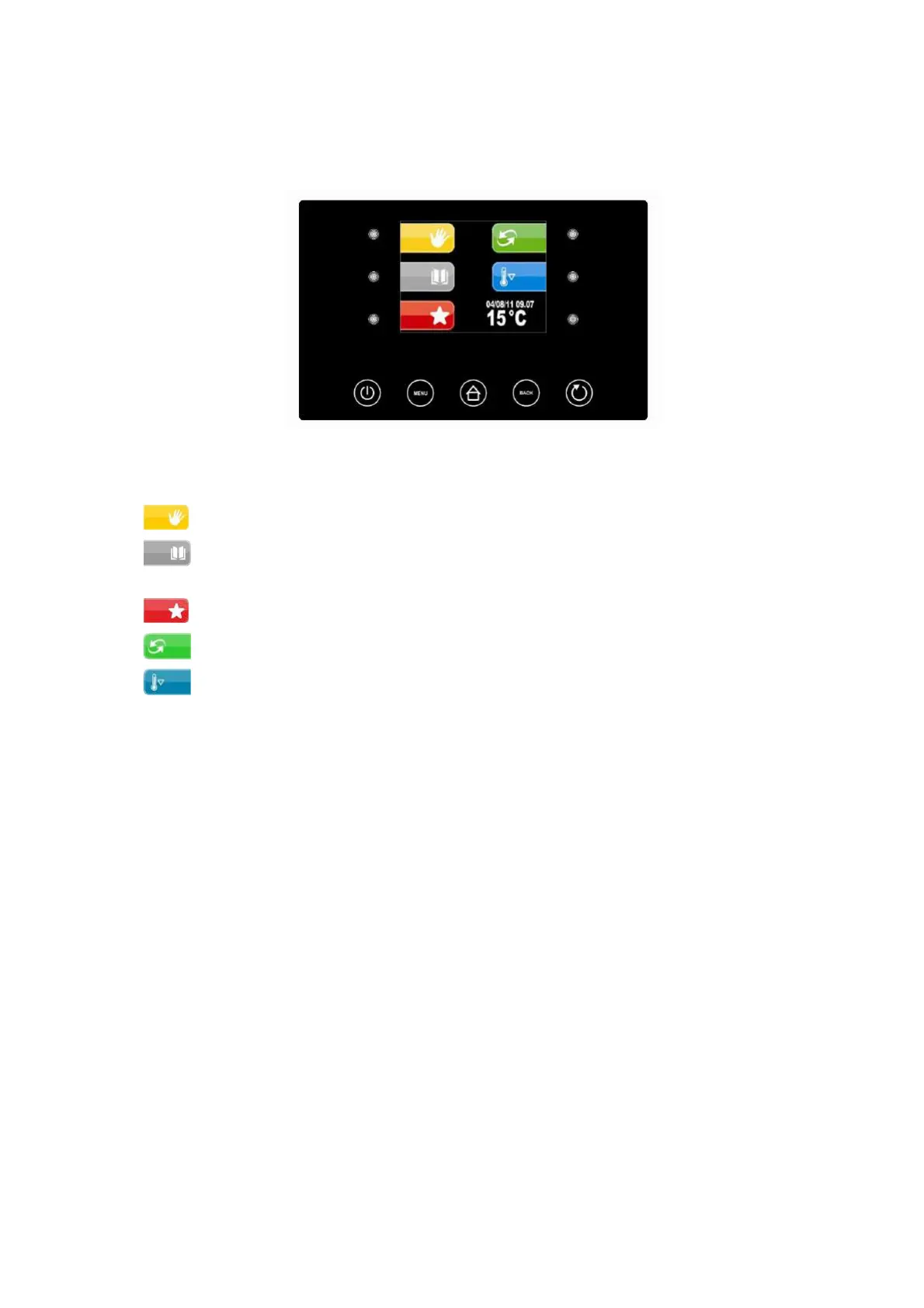
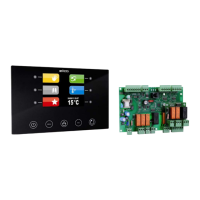
The Pre-selection page represents the "start point" foe navigating the user interface.
The functions enabled and the dates data, time and temperature in cabinet are present in the pre-selection page.
All final user selections will start from the pre-selection page.
The 5 “interactive” keys will allow to select:
- MANUAL: i.e. selection, setting and running a manual cooling or heating cycle.
- PROGRAMS: i.e. the selection and/or modification of automatic retarder-proffer cycles saved in the
memory
- FAVOURITES: i.e. the quick recall of the last 10 performed.
- AUTOMATIC: i.e. the selection, setting and execution of a complete automatic retarder-proofer cycle.
- PRE-COOLING: i.e. the execution of a cabinet pre-cooling cycle
The 2 active “navigation” keys will allow to select:
- ON/STANDBY to take the machine back to STANDBY status
- MENU to access the pre-selection page options screen


 To Next Page