EVCO S.p.A. EVFTFT618 | Installer manual ver. 2.2 | Code 144FTFT618E224
Page 20 of 62
6.1.2 Setting and execution of a manual cycle
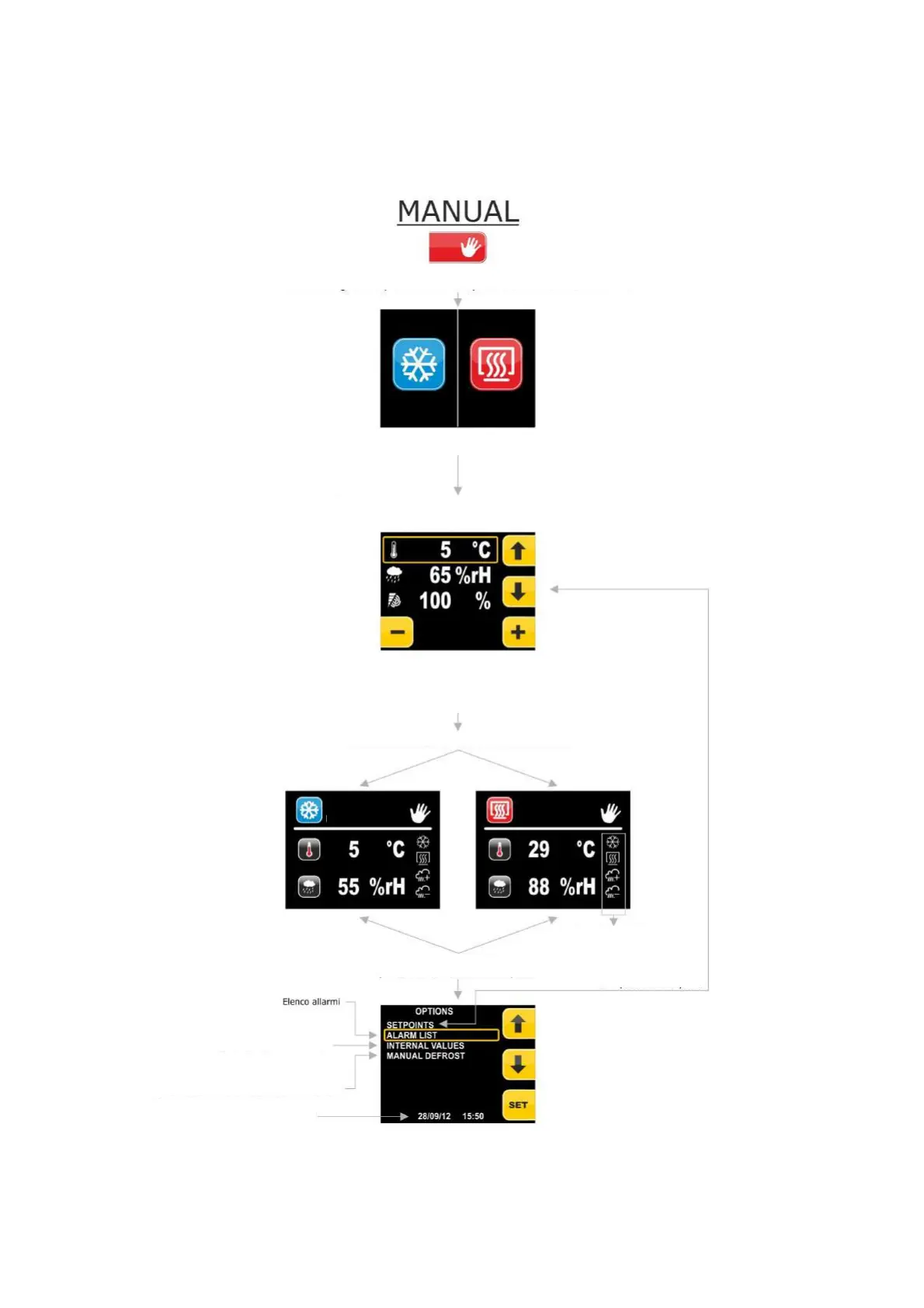
Below the complete navigation system of the MANUAL menu is illustrated.
From this menu it is possible to select and perform a complete manual COOLING or HEATING cycle.
To reach the MANUAL menu from the pre-selection page, press the key at the side of the MANUAL icon:
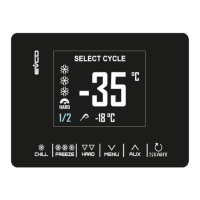
Press the START/STOP key to start the cycle. Press the START/STOP key for 3 seconds to interrupt the cycle.
Selecting the MANUAL menu allows to set a refrigeration (heating prohibited)
cycle or heating cycle with infinite duration
Pressing the UP/DOWN keys will change the e set-point to set. Pressing the +/- keys will
change the value of the set-point selected.
Pressing Home and Back are activated.
Pressing STAND-BY is deactivated
Pressing START starts the cycle
Main outputs
status bar
Pressing MENU slows to access
List of AI, DI, AO, DO, SET values
for display (see dedicated
Manual Defrosting
Heating
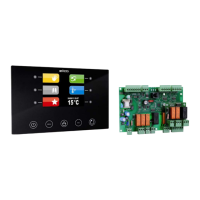
By pressing one of the 3 keys on the LEFT, select a Cooling cycle, pressing those
on the RIGHT, a Heating cycle.
Page for setting temperature set-point, humidity an
d fan speed. Humidity setting display
is subject to humidity control in the cycle requested. Speed setting visibility is subject to
management of the fan speed.
Access to the set-points
setting screen


 To Next Page