162 NexLog Recorder User Manual v2.2.0
Under Audio Ports, select the port range for VoIP audio packets.
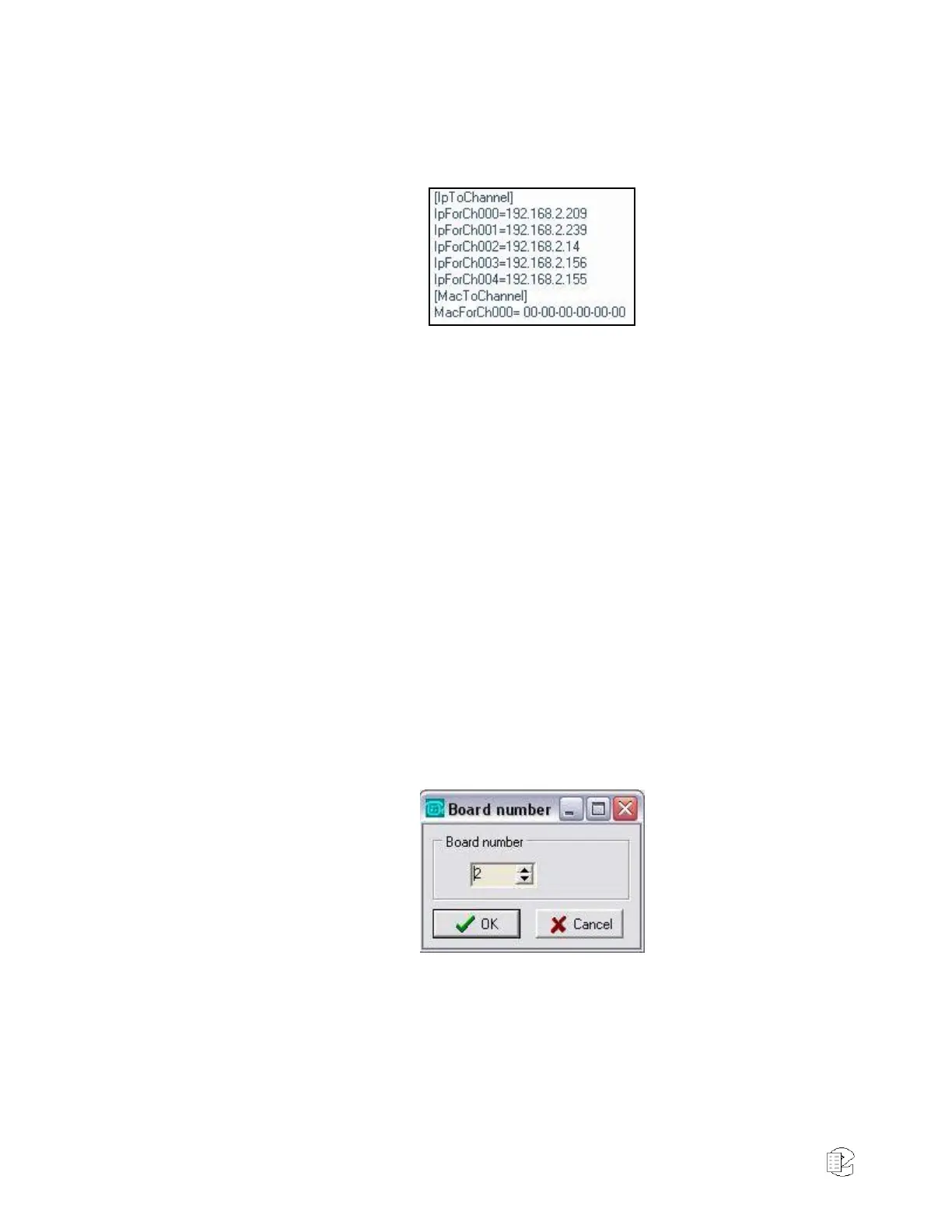
Under IpToChannel or MacToChannel, define the specific IP or MAC address
for each phone set on the network:
The number of channels enabled for recording on this gateway is limited by
the number of channel licenses purchased from Eventide. You must either
use IP addresses or MAC addresses, not a combination of the two.
Consequently, the address format not employed should be entered all as
zeros.
When finished, go to the File menu, and click Apply. For your changes to
take effect, restart the gateway.
VoIP Gateway Diagnostics Using Parrot DSC Maintenance Tool
One way to confirm that all audio data for recording is received by the gateway
is by using the Parrot DSC Maintenance Tool, a utility that tracks network traffic
and lists the IPs and MAC addresses of all connected phone sets and computers.
The Maintenance Tool comes preinstalled on the VoIP Gateway system, and is
located in the following directory:
C:\program files\cybertech\parrot dsc\maintenancetool.exe
Note: Your gateway must be successfully configured prior to using this utility. For a
description of this task, see VoIP Gateway Configuration on page 161.
Start the Parrot DSC Maintenance Tool, and the following window is displayed:
Select Board Number 2, and click OK. A blank screen with a command
prompt is displayed.
Type the following command and press Enter to generate a listing of all
traffic currently active in the system:
ip_list ? ?
A listing similar to the following is displayed:



 To Next Page
 Loading...