16 NexLog Recorder User Manual v2.2.0
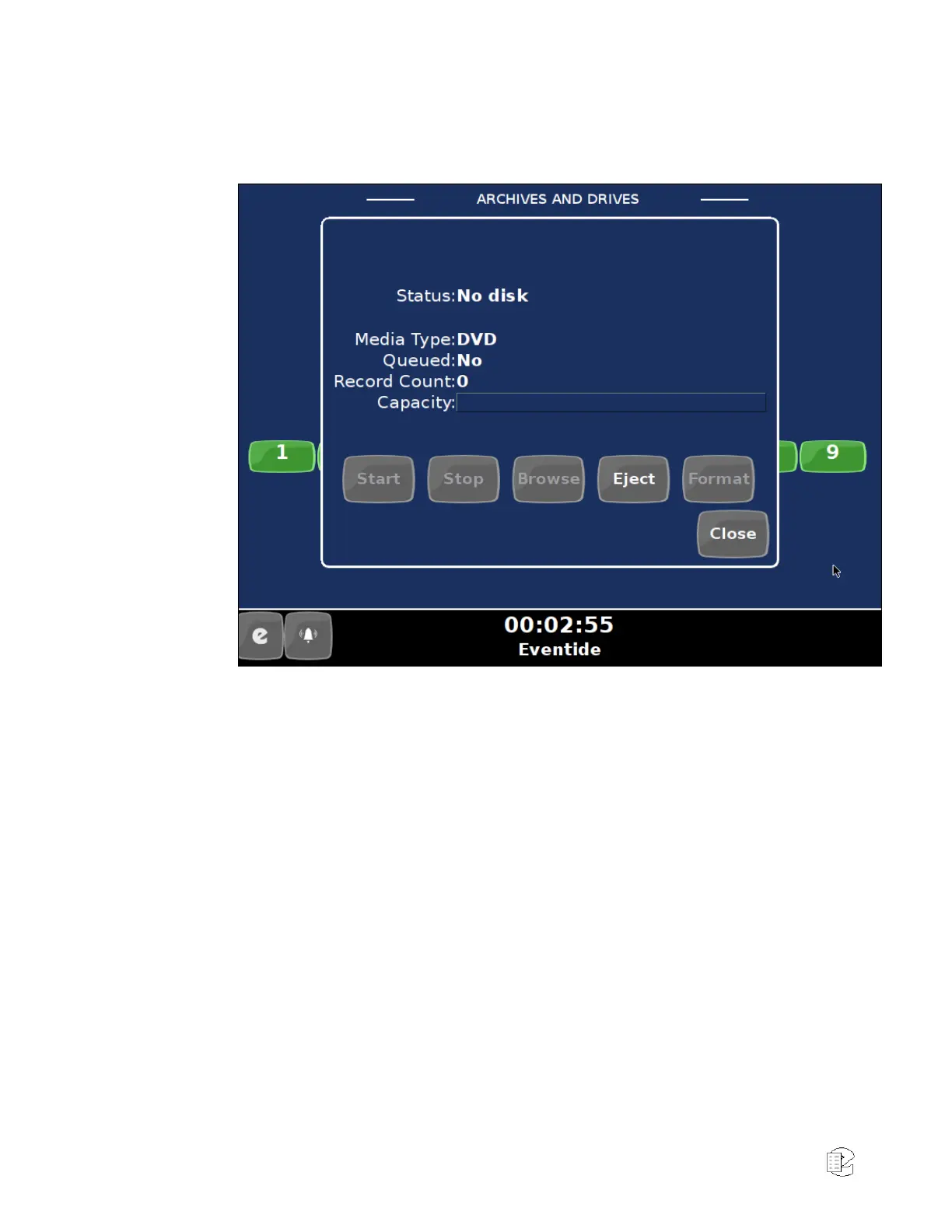
AND DRIVES” section. (When using a mouse, the drive icon can be single-
clicked to open the archive menu).
Figure 7—Front Panel Archives and Drives
Eject the DVD-RAM medium by pressing the “Eject” button.
After the DVD-RAM Medium has been ejected, close the archiving action menu
by pressing the “Close” button.
The Channel Status section tells you which channels the recorder recognizes as
ready for recording. For example, if you ordered a 16-channel unit (whether
analog-only, digital-only, or a combination), you should see 16 green steady
indicators.
Likewise for 24 channels, 32 channels, and so on. This is a good time to make
sure you see the expected number of channels.
Press the menu button (‘e’ on bottom left) to view the main screens for the Front
Panel. The available screens are as follows:
Info screen
– View channel status
– Listen to real time activity on channels (live monitor)
– View and manage archiving status



 To Next Page