48 NexLog Recorder User Manual v2.2.0
4. Recorder Configuration and Administration
This section discusses setup and administration of the recorder from the front
panel and the NexLog Configuration Manager tool. When utilizing the Recorder's
Front Panel's Setup Screen, you are actually connecting to the same
configuration interface that is accessible via a web browser. The Setup Screen
layout differs from the Web Configuration tool only in that it’s visually optimized
(via Blue background) for the usage on the Front Panel’s touch screen, but the
configuration functionality is identical. This section will cover both configuring
from the Front Panel and via the web-based NexLog Configuration Manager tool.
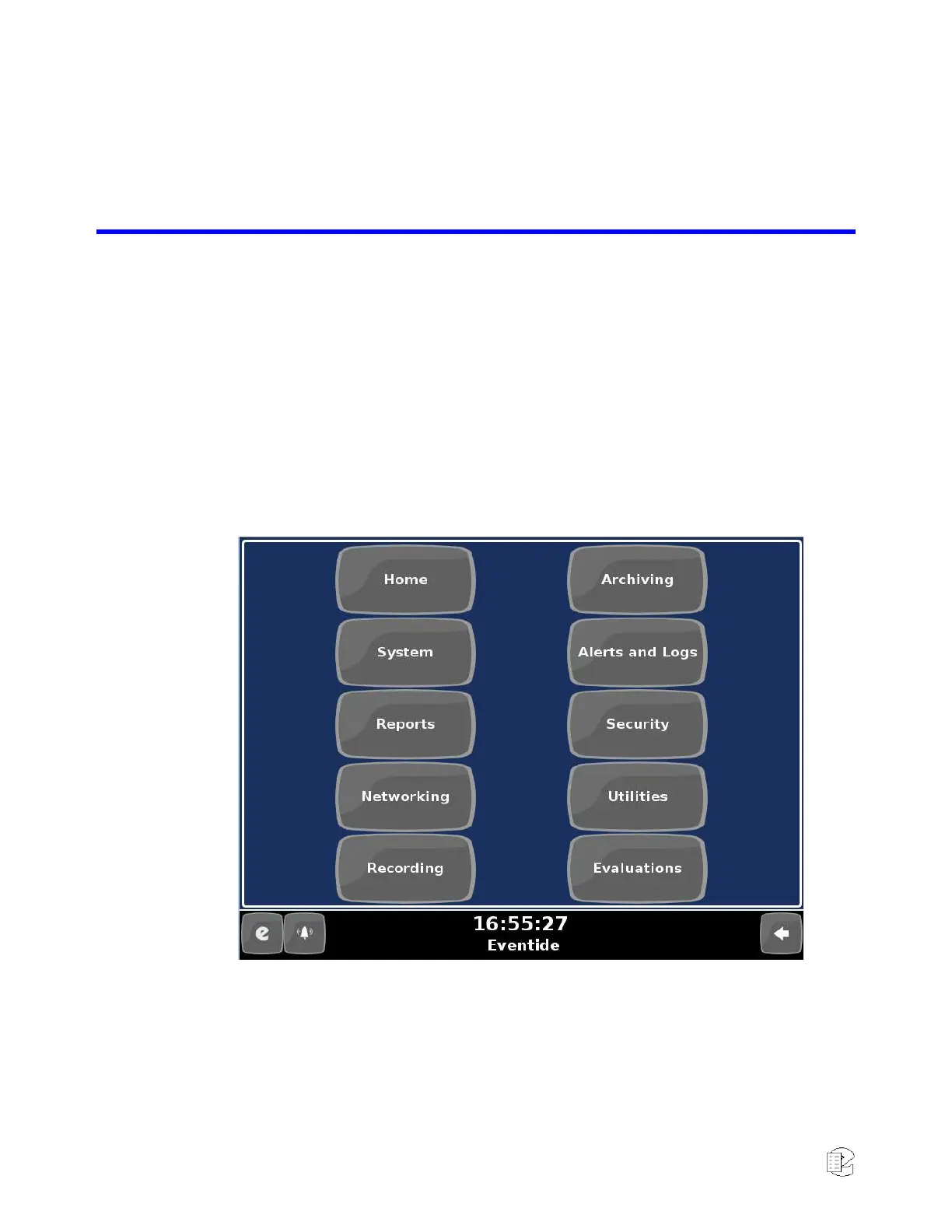
Figure 29—Front Panel Set-Up top level menus
4.1. The Welcome To NexLog Screen
To access the NexLog Configuration Manager, navigate to the recorder’s host
name (IP address) in a web browser, for example: http://192.168.2.1, which will
bring you to the Welcome to NexLog page. This page provides quick links to
useful online features: Configuration Manager and MediaWorks Express, as well



 To Next Page