NexLog Recorder User Manual v2.2.0 11
cartridge based Panasonic drives, which accepted Type 4 cartridge DVD-RAM
media or cartridge-less DVD-RAM discs.
Audio monitoring/playback is accomplished with an integral amplifier/speaker
unit (left) with headphone jack, line-level output, and volume control below the
LCD screen.
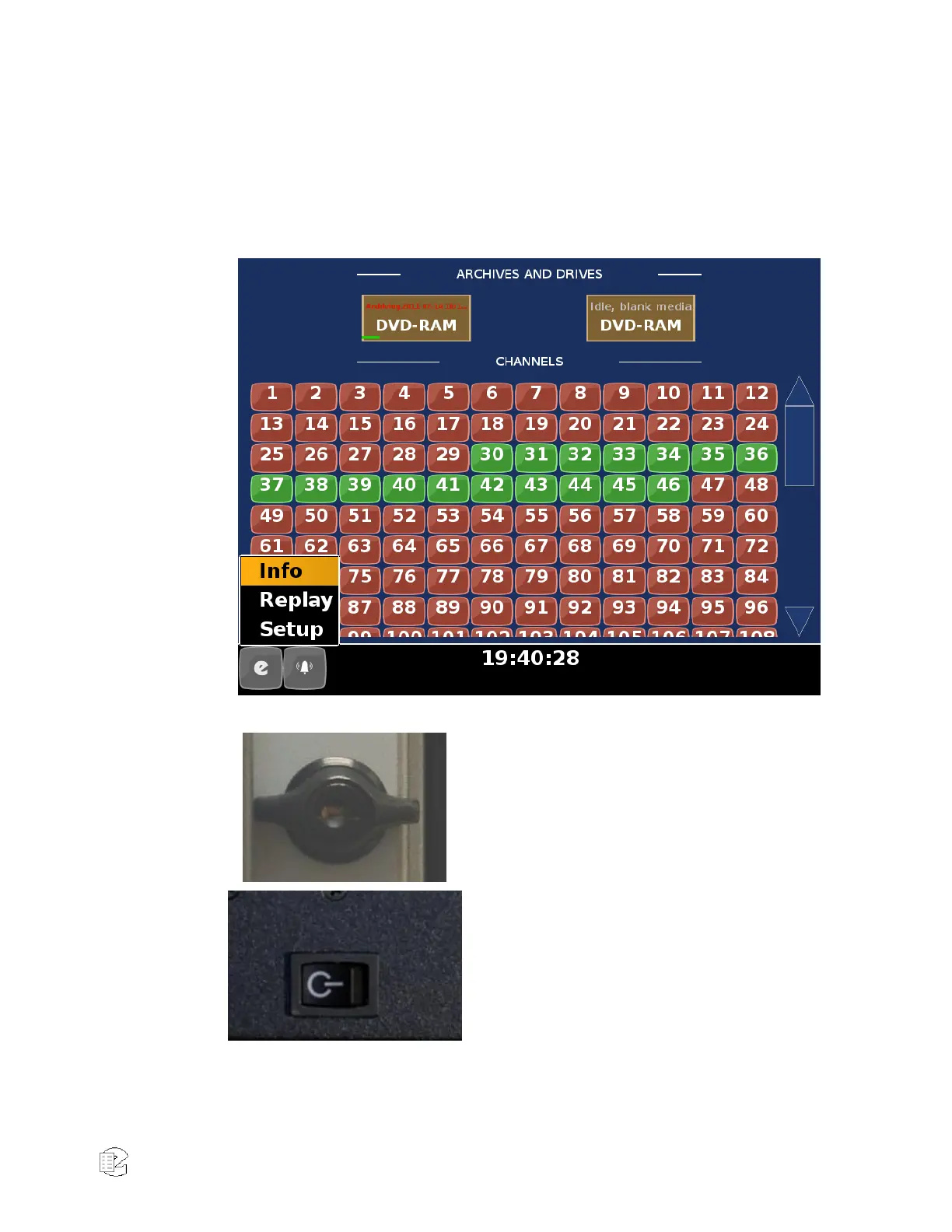
Figure 3—Touch Screen (Close-Up)
The door lock can be opened to access the
recorder power switch and the hot-swap
RAID disk array. Two keys are supplied.
The recorder power switch is behind the
locked door. Note: Avoid using this switch
to power down the unit. Use it to power
up only.



 To Next Page