32 NexLog Recorder User Manual v2.2.0
Creating an Incident
To use the NexLog Front Panel to build an Incident:
1. Query recordings as described in “Query (Search for) Recording”, above.
2. Click the leftmost column (this column is indicated by an arrow pointing
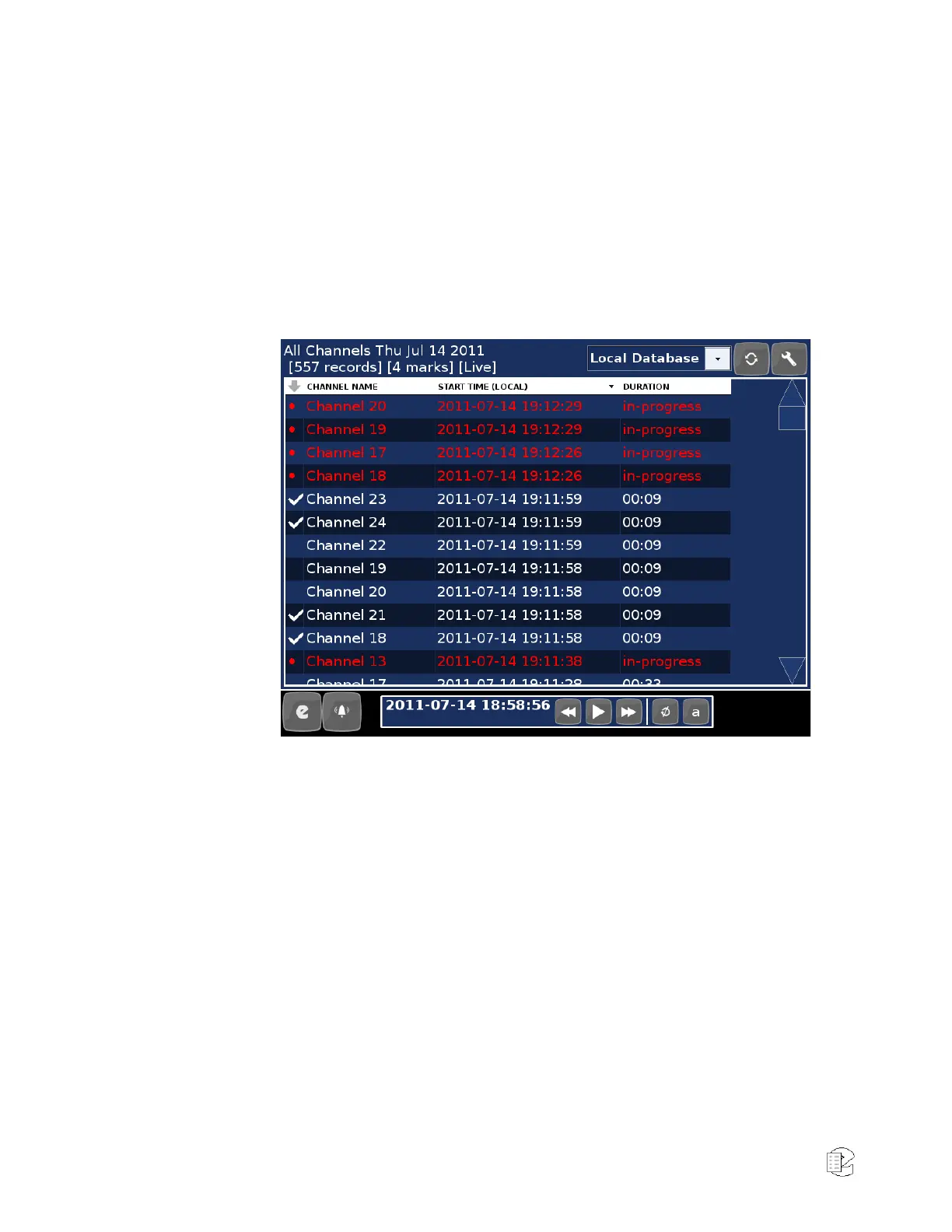
down) beside any recordings you wish to mark for the Incident. A check-
mark will appear next to each selected recording.
Note: recordings that are currently in progress (as shown by red text)
cannot be added to Incidents.
Figure 14—Selected Calls in Replay Screen
3. Click the Tools button (upper right button with the wrench icon) and
choose "Add marked to Incident"
The Front Panel will automatically switch to the Working Incident view, and the
marked recordings will be added to the incident.



 To Next Page