68 NexLog Recorder User Manual v2.2.0
In addition to all the editable parameters for channels, there are a few special
"read only" informational fields that are available for display Including the
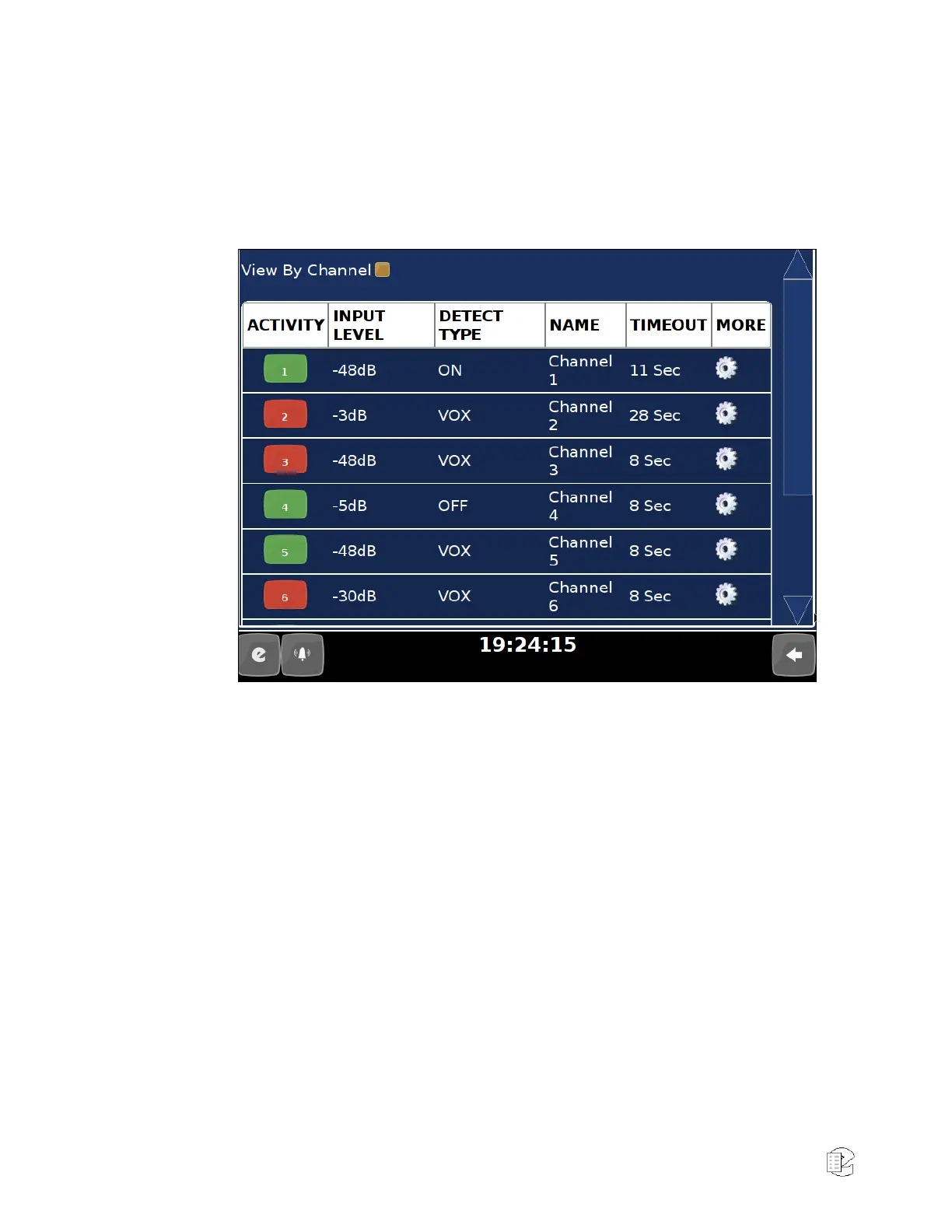
Channel's ID, Board, and BoardID, as well as an Activity Indicator. The Activity
indicator is a real time indicator of the channels status. Grey means disabled,
Green is idle, and Red is recording.
Figure 39—Boards and Channels page view by Channels as seen locally on the Front Panel
The meaning of the editable fields will be discussed in the "Edit Channel" page
discussion below as the parameters there are the same.
Details level Graph
Clicking on channels “Input Level” parameter will expose a panel called the
“Detail Level Graph”. The Detail Level Graph will give a histogram of channel
levels. Note that this is only useful on certain recording interfaces.



 To Next Page