EVERFOCUS ELECTRONICS CORPORATION
¾ Speed: This field is used th
record to be recording ha
to set e speed at which you would like the timer
at. To c nge this, simply use the arrow keys on the
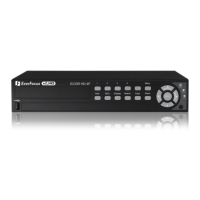
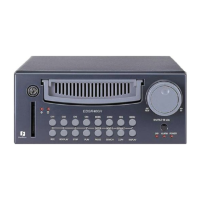
DVR which also represent the CH1, CH2, CH3 and CH4 keys (These are
the top four left buttons). Use the up and down arrow keys to make your
selection.
Please Note: See Appendix B to find the appropriate speed to fit your
recording needs.
¾ Quality: This field is for setting up video recording quality, this item lets
you set the quality of the video picture by selecting a compression rate.
There are six quality levels for recording:
Lower : 15KB
Low : 19KB
Basic : 23KB
Standard : 27KB
High : 31KB
Superior : 35KB
To change this, simply ow keys on the DVR which also
represent the CH1, CH2, CH3 and CH4 keys (These are the top four left
is,
the CH1,
use the arr
buttons). Use the up and down arrow keys to make your selection.
¾ Set: This field is used to turn the timer recording on or off. To change th
simply use the arrow keys on the DVR which also represent
CH2, CH3 and CH4 keys (These are the top four left buttons). Use the up
and down arrow keys to make your selection.
Please note: If you wish to do any form of playback this feature must
be turned off before attempting to playback.
: Press or to move the cursor to the left or right.
: Press or to change the value.
These keys are located at the top left row of keys (same keys
as channel 1-4).




 To Next Page