EVERFOCUS ELECTRONICS CORPORATION
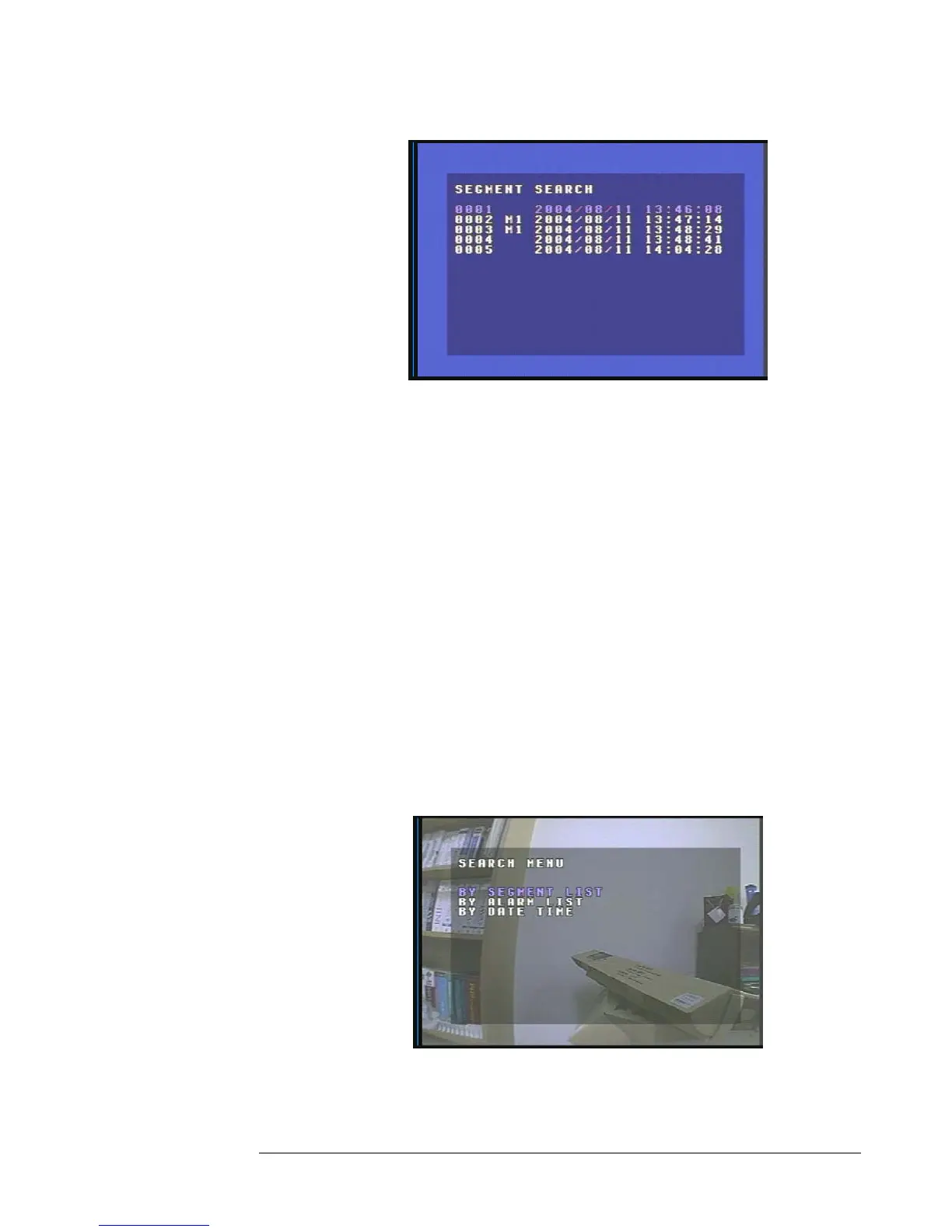
Diagram 23
To stop playing back press the stop key.
¾
2. Alarm List Playback
¾ Assuming you have completed the setup options in Chapter 1 through 4.
If you are in Record mode hit the stop button to stop recording.
¾ If the menu pops up when you press the stop button. This usually means
you have either the DVR is in Timer record or Motion record. Log into
the DVR menu by pressing the Menu button. Go to Either Timer Setting
Menu or Motion Record Setting menu and turn them off and exit menu
by pressing menu to stop recording.
¾ Once you have stopped any type of recording on the DVR you are ready
to do playback.
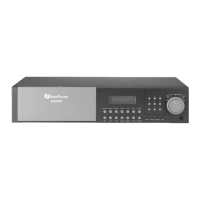
¾ Press the search button to enter the search menu. (See Diagram 24)
Diagram 24





 To Next Page