EVERFOCUS ELECTRONICS CORPORATION
Sequ
ence Setting Menu
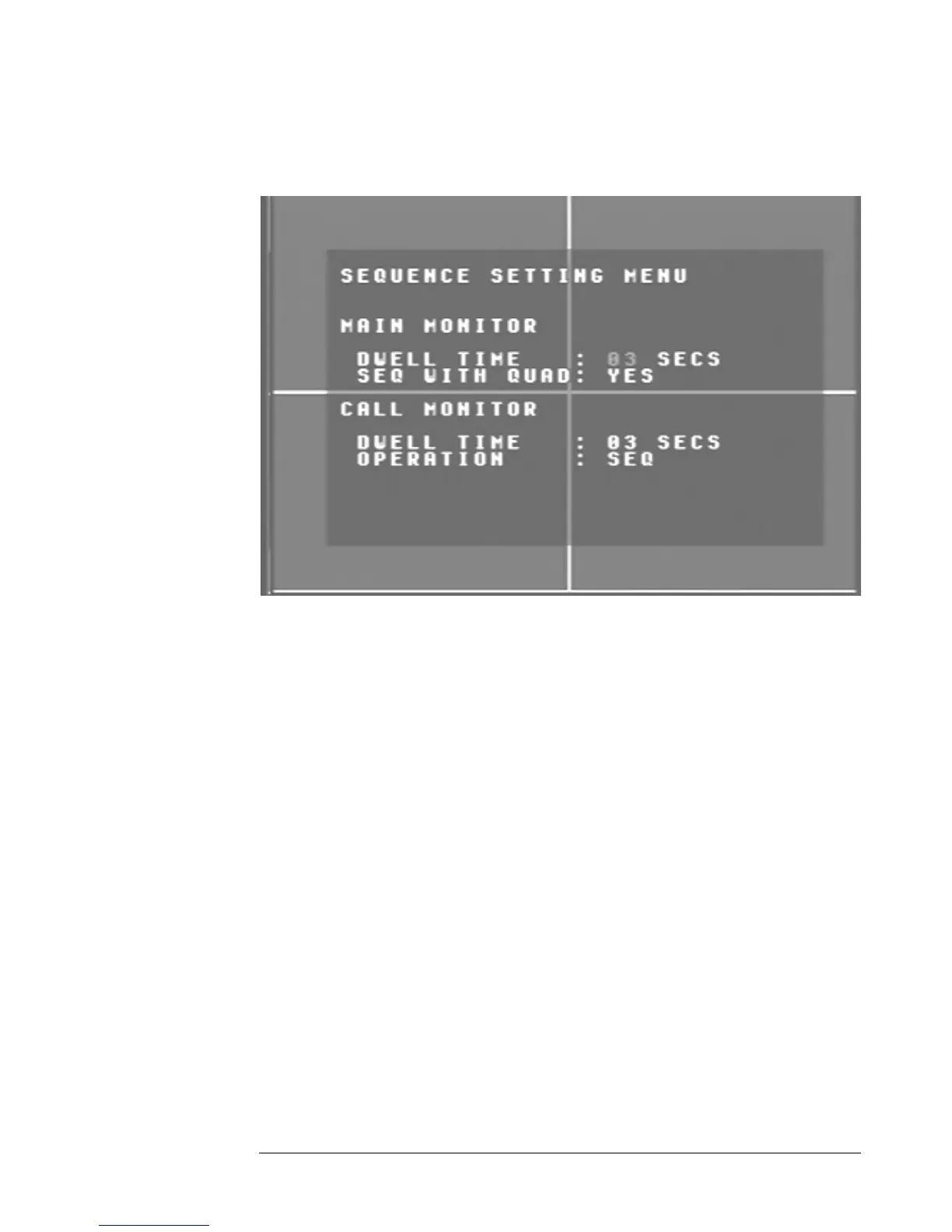
Diagram 11
is a screen shot of the Sequence Setting Menu. This menu is for settin
hich video is sequenced through the main mon
Diagram eleven g
up the way w itor and call monitor
outputs. In S
¾ Ma is equen
the main monitor. The dwell time for the auto sequence
can be set from 0 to 99 seconds. To change this, simply use the arrow
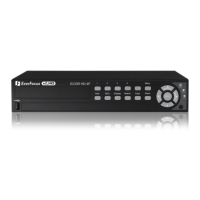
keys on the DVR which also represent the CH1, CH2, CH3 and CH4
key h s). Use the up and down arrow
keys to make your selection.
Seq with Quad: This field is to turn on or off the quad screen when
the auto sequence mode is on. The default is set to yes. To turn it off
simple change to n
DVR which also re H4 keys (These
are the top four left buttons). Use the up and down arrow keys to
make your selectio
in
the equence Setting Menu the following fields are defined as follows:
in Monitor: Th field is to s s ce for the m onitoret the ain m
output.
Dwell Time: This field represents the rate at which the cameras will
sequence on
s (T ese are the top four left button
o. To change this, simply use the arrow keys on the
present the CH1, CH2, CH3 and C
n.





 To Next Page