EVERFOCUS ELECTRONICS CORPORATION
¾ Call Monitor: This field is to se
t the sequence for the call monitor output.
Dwell Time: This field represents the rate at which the cameras will
sequence on the call monitor. The dwell time for the auto sequence
can be set from 0 to 99 seconds. To change this, simply use the arrow
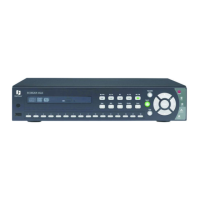
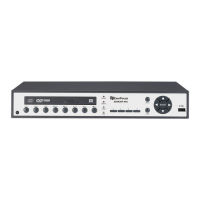
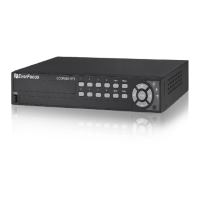
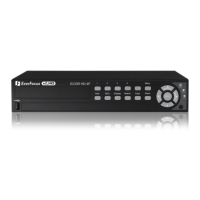
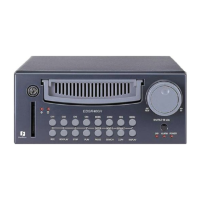
keys on the DVR which also represent the CH1, CH2, CH3 and CH4
keys (These are the top four left buttons). Use the up and down arrow
keys to make your selection.
Operation: This field is to select from camera 1 to 4 for the sequence
screen. The default is set to CH1. To change this, simply use the arrow
keys on the DVR which also represent the CH1, CH2, CH3 and CH4
keys (These are the top four left buttons). Use the up and down arrow
keys to make your selection.
o Please Note: If an alarm occurs call monitor will display that
particular camera automatically.
: Press or to move the cursor to the left or right.
: Press or to change the value.
These keys are located at the top left row of keys (same k
as channel 1-4).
eys





 To Next Page