EVERFOCUS ELECTRONICS CORPORATION
Norm
al Record Setting Menu
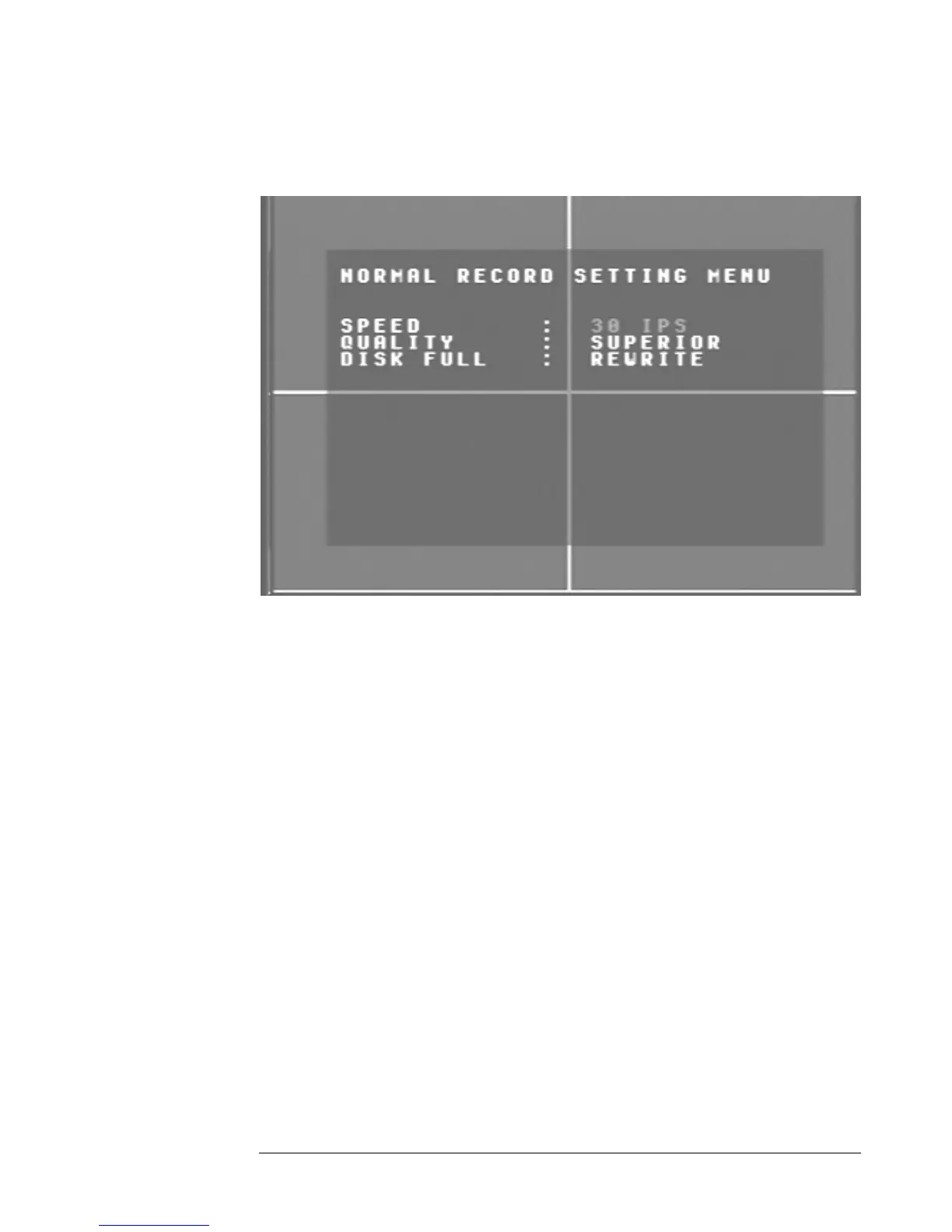
Diagram 6
is a screen shot of the Normal Record Setting Menu. This menu co
iagram six ntains
e spee
the followin
¾
se the arrow keys on the
sele
Please Note: See Appendix B to find the appropriate speed to fit your
recording needs.
¾ Quality: This field is for setting up video recording quality, this item lets
you set the quality of the video picture by selecting a compression rate.
There are six quality lev
Lower :
Low :
Basic :
D
th d and quality for recording all the time. In the Normal Record Setting Menu
g fields are defined as:
Speed: This field represents the speed at which the recorder will be
recording all the time. To change this, simply u
DVR which also represent the CH1, CH2, CH3 and CH4 keys (These are
the top four left buttons). Use the up and down arrow keys to make your
ction.
els for recording:
15KB
19KB
23KB




 To Next Page