EVERFOCUS ELECTRONICS CORPORATION
Please Note: When the Hard Drive is full, the DVR will either stop
the normal record setting (see
page 19).
Alarm Recor
o
¾ Exit the nu if
an alarm
recording automatically or overwrite from the beginning of the hard drive.
This is all dependent on what was set in
ding Setup
¾ Assuming you have completed the setup options in Chapter 1 and 2. Log int
the DVR menu by pressing the Menu button.
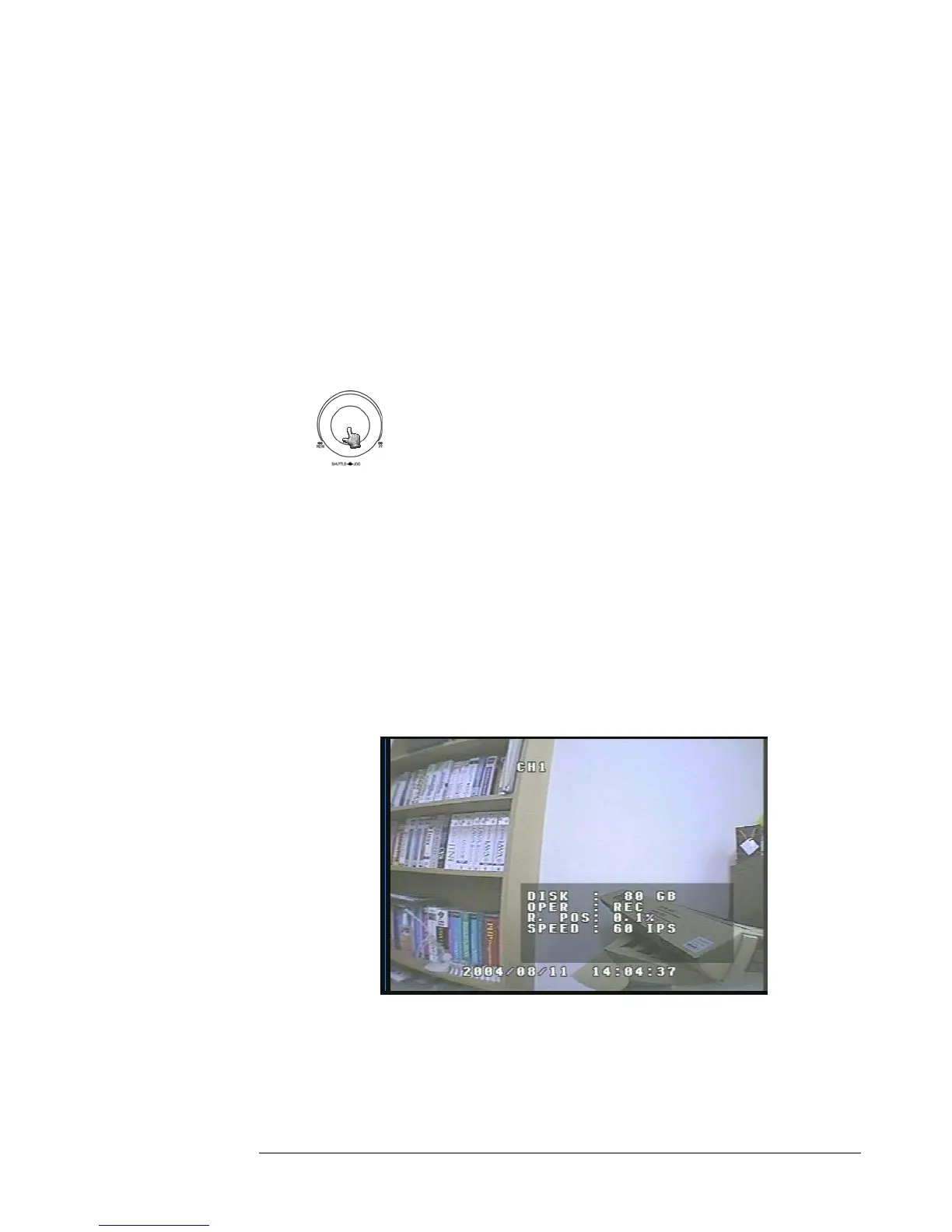
Turning the jog dial clockwise or counter clockwise will allow
you to scroll through the different menu setup option pages.
¾ Once You Reach the Alarm Record Setting Menu (See Page 21) change the
Recording speed and quality that best fits your application.
Please Note: See Appendix B to find the appropriate speed to fit your
recording needs.
menu by pressing the Menu button. Once you have exited the me
occurs the DVR will go into record mode.
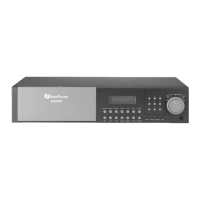
¾ To view the operating display (diagram 21), press the Display button.
Diagram 21
¾ To stop recording simply press the Stop button.





 To Next Page