EVERFOCUS ELECTRONICS CORPORATION
Ch
pter
10
Lin
Thi ch r.
Please understa rt
on it. If you need Technical support on this router you must call Linksys. This
Chapter is to o
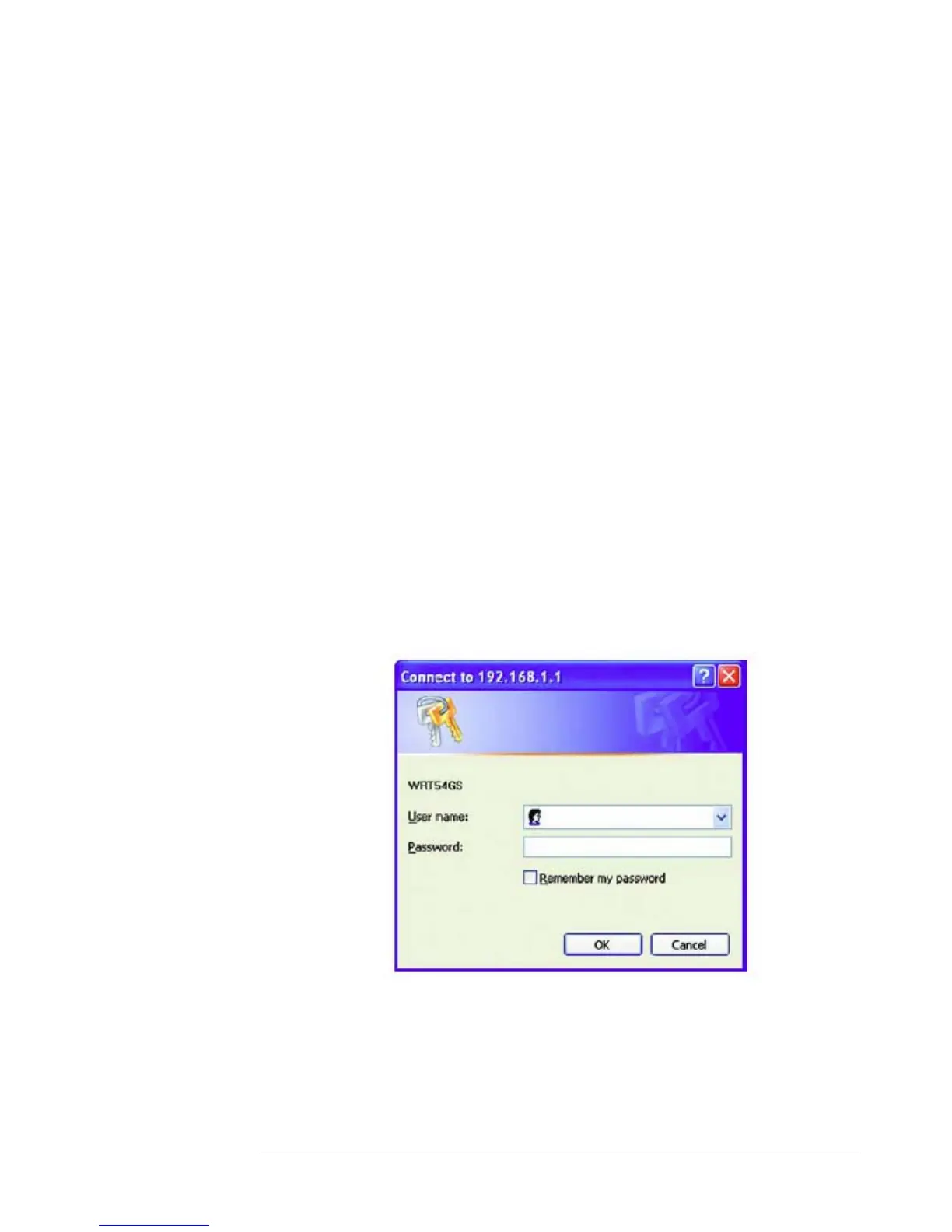
Navigator, and enter the Router’s default IP address, 192.168.1.1, in the Address
field. Then, press
use e you
admin. (You can set a new
assw r
to c
ksys Port Forwarding
s apter will cover a few simple configurations for the Linksys route
nd we do not support this product and will not give tech suppo
ffer some help to the installer and end user nothing more.
To access the Web-based Utility, launch Internet Explorer or Netscape
Enter. A password request page will appear. (Non-Windows XP
rs will see a similar screen.) Leave the User Name field blank. The first tim
open the Web-based Utility, use the default password
p o d from the Administration tab’s Management screen.) Click the OK button
ontinue.














 To Next Page