EVERFOCUS ELECTRONICS CORPORATION
purchase a router (
DDNS. DDNS is
we suggest a Linksys or D-link router) which supports
a Dynamic Domain Name Server, a service that
ered
provides a central (public) database where DNS information can be stored
and retrieved. It allows those using a dynamic IP address to be regist
centrally so users can connect to it by name.
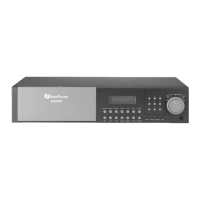
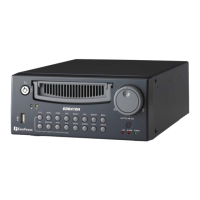
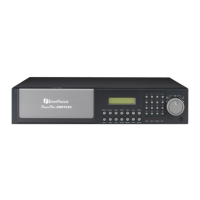
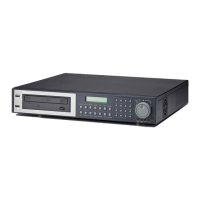
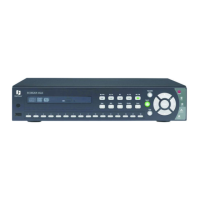
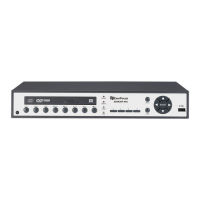
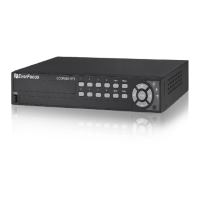
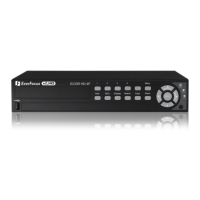
What type of DVR are you installing? ______________
What Typ
g th
connec
1. Simple simple one to one connection is the
most simple network connection. Basically it is a connection between a
ver ca e. (See age o how instal
2.
3. ocal area network co
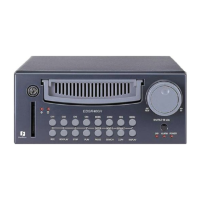
Everfocus EDR series: EDR 400, 1600 or 1680
Everfocus EDSR series: EDSR 110, 400H, 400M, 400, 900, or 1600
e of Network Connection do you have?
Everfocus DVR’s can operate usin ree distinct types of networking
tions.
One to One Connection: A
Computer and Another Computer or in this case a DVR using a cross-
o bl p n to l this type of connection)
Direct High Speed Modem Connection: A direct high speed modem
connection is a network connection from the modem directly to a
computer or in this case the DVR. (See page on how to install this type of
connection)
Router or LAN Connection – A l nnection either
requires a router or a pre-existing LAN connection. Typically this type of
connection is the most commonly used application. A router allows
multiple computers and DVR’s to access each other as well as the Internet.
It assigns different internal IP addresses to the computers.





 To Next Page