EVERFOCUS ELECTRONICS CORPORATION
Motion R
Assuming you have completed the setup options in Chapter 1 and 2. Log into
through ch4.
Please
record
¾ Exit the menu by pressing the Menu button. Once you have exited the menu if
event can record to one sector on the hard drive.
Hard drives contain on average 256 sectors. Therefore recording on
If you have lot of motions it is not recommended
ecording Setup
¾
the DVR menu by pressing the Menu button.
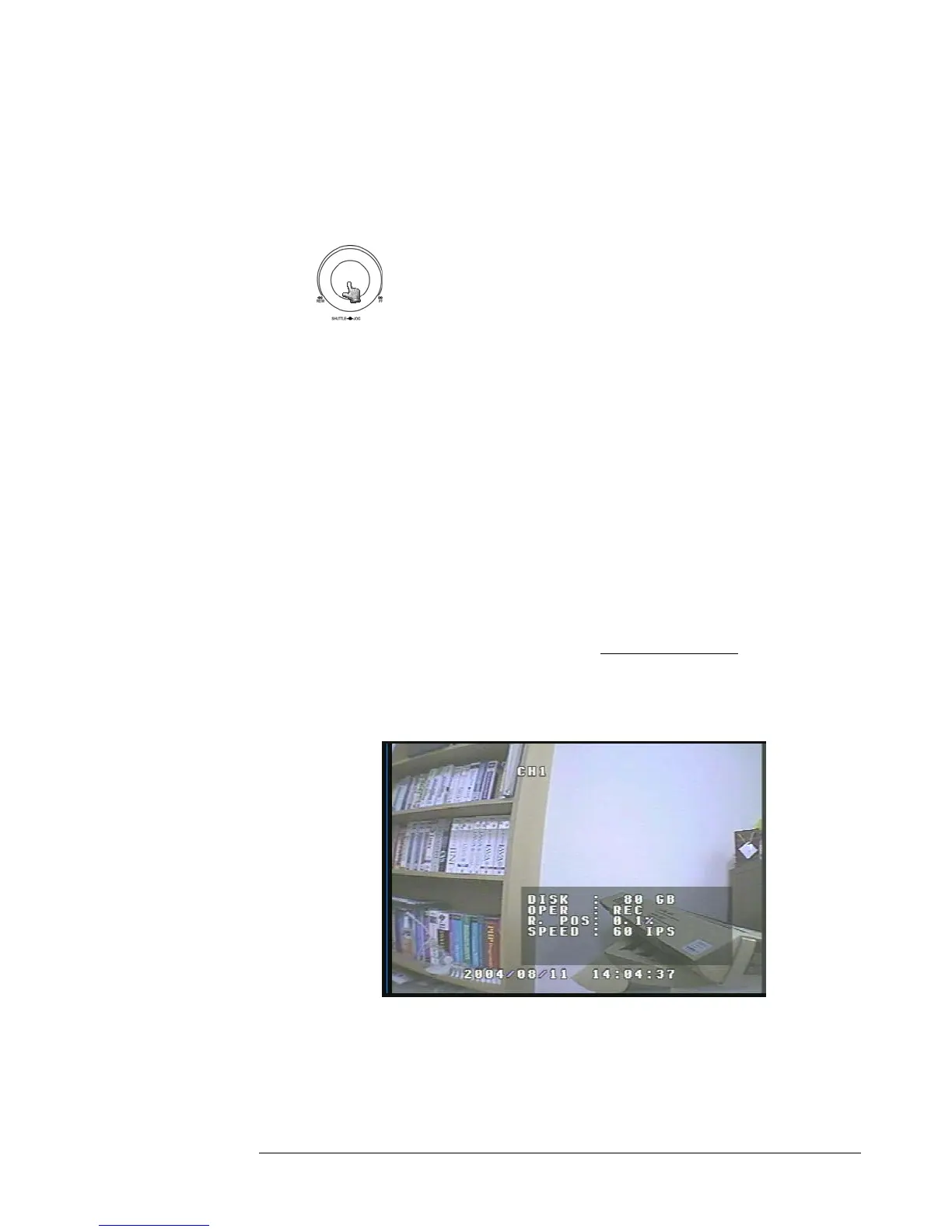
Turning the jog dial clockwise or counter clockwise will allow
you to scroll through the different menu setup option pages.
¾ Use the jog dial after completing the previous step and go to Motion Record
Setting menu (See Page 35). Change the Recording speed and quality that best
fits your application and turn OP on under ch1
Note: See Appendix B to find the appropriate speed to fit your
ing needs.
motion is occurring the DVR will go into record mode.
Please Note: Our recorders are developed for segment recording. One
segment or motion
motion only will get about 256 motion events.
to use this
method of recording, please use Basic Recoding Setup.
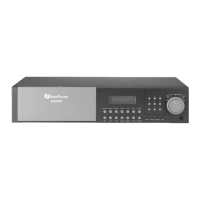
¾ To view the operating display (diagram 20), press the Display button.
Diagram 20
stop recording simply go to motion setting menu turn all Ops set to off
exit menu by pressing menu to stop recording.
¾ To
and





 To Next Page