EVERFOCUS ELECTRONICS CORPORATION
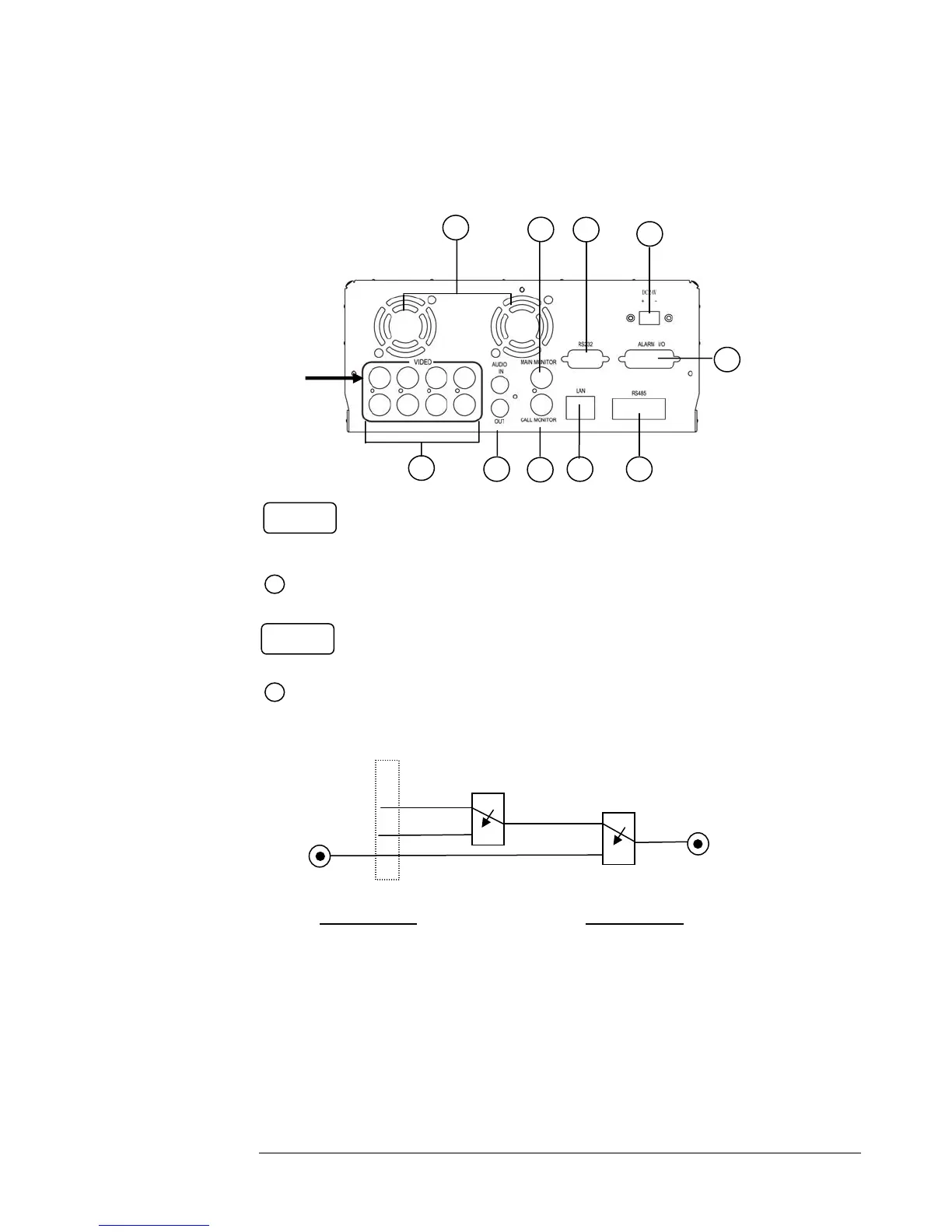
Back Panel Connections
Audio IN:
udio input for recording.
Audio OUT: Audio output can be set to “ON” or “OFF” in Setup Menu.
hen in recording or standby mode, the out of
SW1 is connected to Audio IN.
Playback Audio
hen in playback mode the out of SW1 is
connected to SW2 Audio.
When Playback Audio is enabled then the output of SW2
will be connected to Playback Audio.
hen Playback Audio is disabled then there is no
audio output (MUTE).
2
Operation of SW1:
Operation of SW2:
Audio IN
Audio OUT
OFF / Mute
SW1
SW2
( Internal circuit )
5
2
4
7 9
10
3
8
1
6
Video In
POWER
AUDIO
1
When Audio Out is enabled and machine is in Recording or Standby mode, the Audio IN is loop-
through to Audio Out connector. When Audio Out is enabled and machine is in Playback mode then the
Audio Out playback audio.
Main Power plug: Connect the DC12~24V power source to Adapter for AC100~240V.














 To Next Page