EVERFOCUS ELECTRONICS CORPORATION
¾ Once you have the right image and camera number you want copied on the
screen press the copy button.
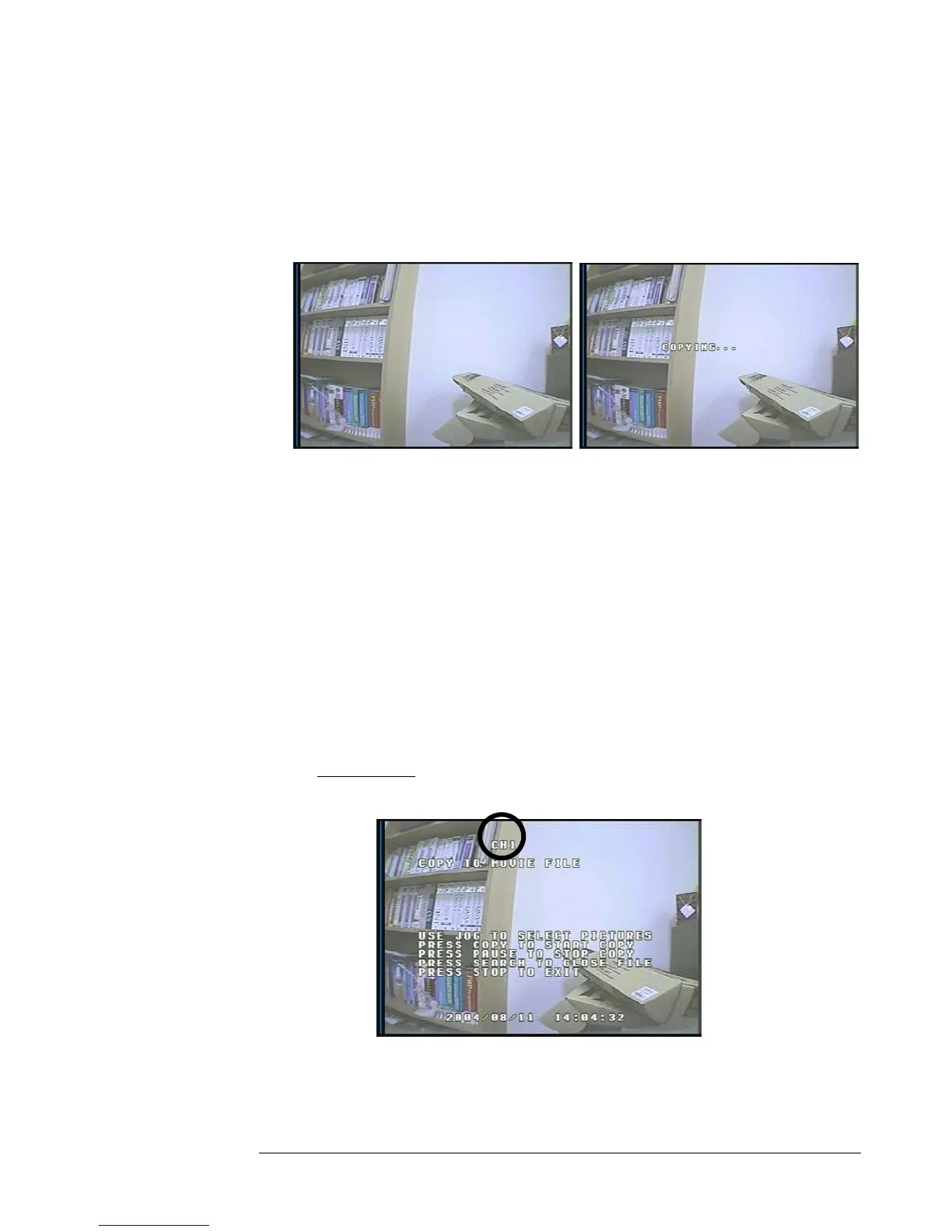
¾ You will then see “Copying …” on the screen while it is copying to the flash
card. When it has finished copying will disappear from the screen.
OPER: PAUSE ON CH1
R. POS: 14.9%
SPEED:
Diagram 28 Diagram 29
Copy as a MOV File
¾ First step is to turn on display by pressing display button and play the video
you want to archive. Please refer to chapter 5 to for playing back video.
¾ Once you are in playback mode, press copy button and use the jog dial to
select the right camera number you want to copy as circled on Diagram 30.
Please Note:
¾ The image on the Compact flash card will be stored as a jpeg file.
If you don’t select the camera number by default it will
copy CH1.
Diagram 30














 To Next Page