EVERFOCUS ELECTRONICS CORPORATION
¾ Net mask: This field is to se
DVR will be recognized wit
t the subnet mask for your network so as the
hin the network. Example: 255.255.255.000
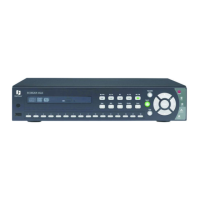
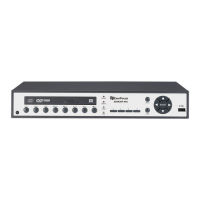
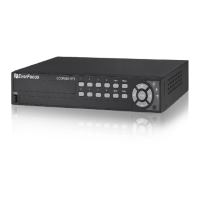
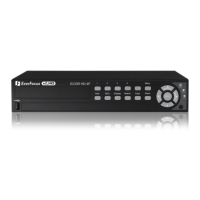
To change this, simply use the arrow keys on the DVR which also
represent the CH1, CH2, CH3 and CH4 keys (These are the top four left
buttons). Use the up and down arrow keys to make your selection.
¾ Gateway: This field is to set the gateway for your network so the DVR will
be recognized within the network. An example of this is provided within
the DVR we use to test the machine within our own network. To change
this, simply use the arrow keys on the DVR which also represent the CH1,
CH2, CH3 and CH4 keys (These are the top four left buttons). Use the up
and down arrow keys to make your selection.
¾ Mac Address: This field is for those Internet service providers or Network
administrators who require a MAC address of the network card of our
DVR. This option can not be changed.
¾ User-Name Password Level: This category is to set up the users that
will log into the network. Please remember that this portion of the
Network setting menu is set up in column format.
To change the any of the presets to a more user defined name simple
use the arrow keys on the DVR which also represent the CH1, CH2,
super
CH3 and CH4 keys (These are the top four left buttons). Use the up
and down arrow keys to make your selection.
Example: USER-NAME Password Level
admin admin
Changed to Adam Everfocus super
Please remember there are only three different levels guest, general,
and super.
o “Admin” and “general” – can view live/playback video
o “Guest” – can only view live.
: Press or to move the cursor to the left or right.
: Press or to change the value.
These keys are located at the top left row of keys (same keys
as channel 1-4).





 To Next Page