HD2014, HD2012, HD2011 Video Passport
TM
1RU Multi-Path Video Converter, Frame Synchronizer and Decoder
Page 2-8 Revision 0.1 INSTALLATION
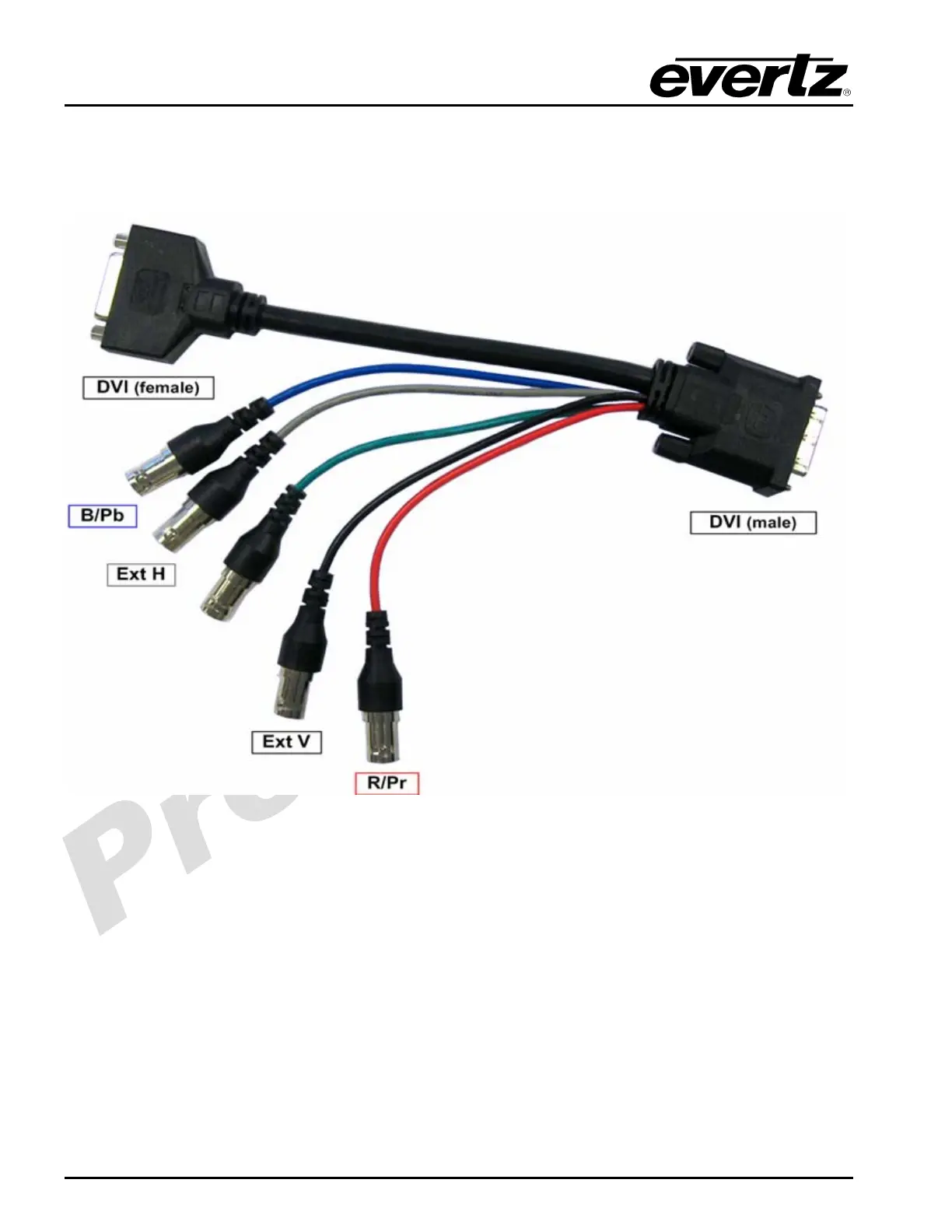
Figure 2-5: Evertz Breakout Cable #WPDVI-DVIBNC5
DVI IN /RB/PrPb OUT:
The female “DVI/PbPr/RB OUT” connector on the rear of the panel enables the user to connect to both
DVI and analog video signals generated by the HD201x. When directly connecting a DVI-D cable to this
connector, the HD201x’s full screen DVI output will be available.
To take advantage of the HD201x’s optional multi-viewer output and its component analog video
output, two additional break-out cables must be used. The first cable is Evertz breakout cable #WPDVI-
DVIBNC5 (optional accessory). The second cable is Evertz breakout cable #WPDVI-DVI2 (optional
accessory). Refer to Figure 2-6 for a diagram of these breakout cables. When connecting these cables
to the HD201x, first connect cable #WPDVI-DVI-BNC5 to the female DVI connector on the
HD2014/12/11 as shown below. After this, connect cable #WPDVI-DVI2 to the female DVI connector on
cable #WPDVI-DVI-BNC5 as shown below.
BLUE
GREY
GREEN
BLACK
RED



 To Next Page