HD2014, HD2012, HD2011 Video Passport
TM
1RU Multi-Path Video Converter, Frame Synchronizer and Decoder
Page 5-44 Revision 0.1 FRONT PANEL OPERATION
The HD201x front panel performs a real time conversion between these numerical values and its
associated dB equivalent.
Audio
Embedder
Embedder 1
Mixer
channel1x
Gain
0 to 65535
Enter an input gain between 0 and 65535.
Level 0 corresponds to mute (-199 dB).
Level 1 corresponds to – 72 dB gain
Level 4096 corresponds to 0 dB gain
Level 65535 corresponds to be + 24 dB gain.
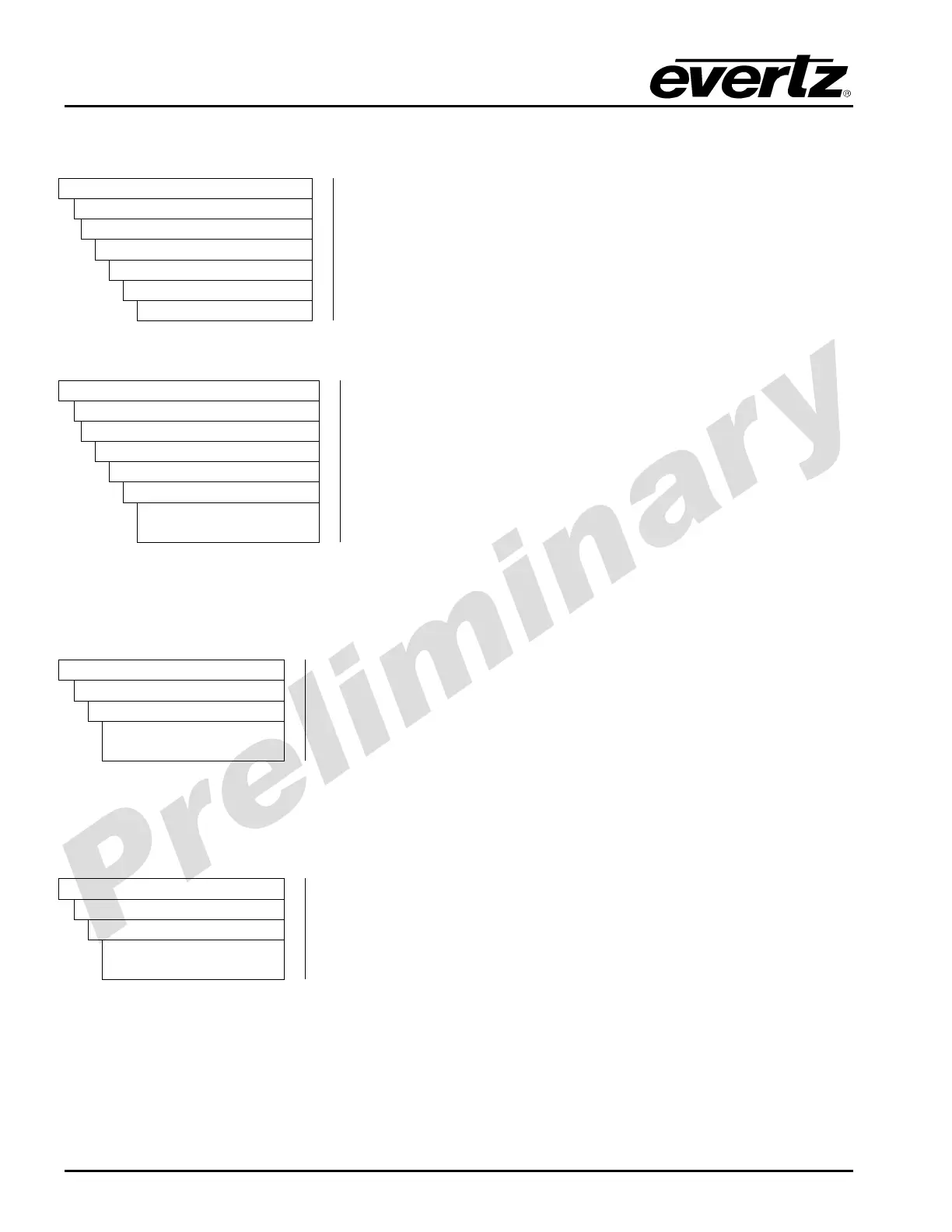
The following shows the inversion control for the X input of Embedder 1, Channel 1:
Audio
Embedder
Embedder 1 to 4
Mixer
channel1x
inputInvert
Enable
Disable
Select enable to invert the selected channel of audio and select
disable to pass through the selected audio channel.
5.2.3.2. Configuring the C-Bit
Several static configuration bits (Audio C bit and Audio Pro Mode) for the overall 16 channel audio
embedder can be set. For the sake of brevity, only the controls for embedder1 are shown below.
Audio
Embedder 1
cBit
20 bit
24 bit
The Embedder Configuration enables the user to set the C bit
resolution (20 or 24 bit).
5.2.3.3. Configuring the Audio Pro Mode
Several static configuration bits (Audio C bit and Audio Pro Mode) for the embedder can be set.
For the sake of brevity, only the controls for embedder1 are shown below.
Audio
Embedder 1 to 4
forcePro
Don’t force
Force
The Embedder Configuration enables the user to set the Audio Pro
Mode (force or don’t force).



 To Next Page