HD2014, HD2012, HD2011 Video Passport
TM
1RU Multi-Path Video Converter, Frame Synchronizer and Decoder
Page 5-30 Revision 0.1 FRONT PANEL OPERATION
5.1.3.14. Setting the White Clip Control
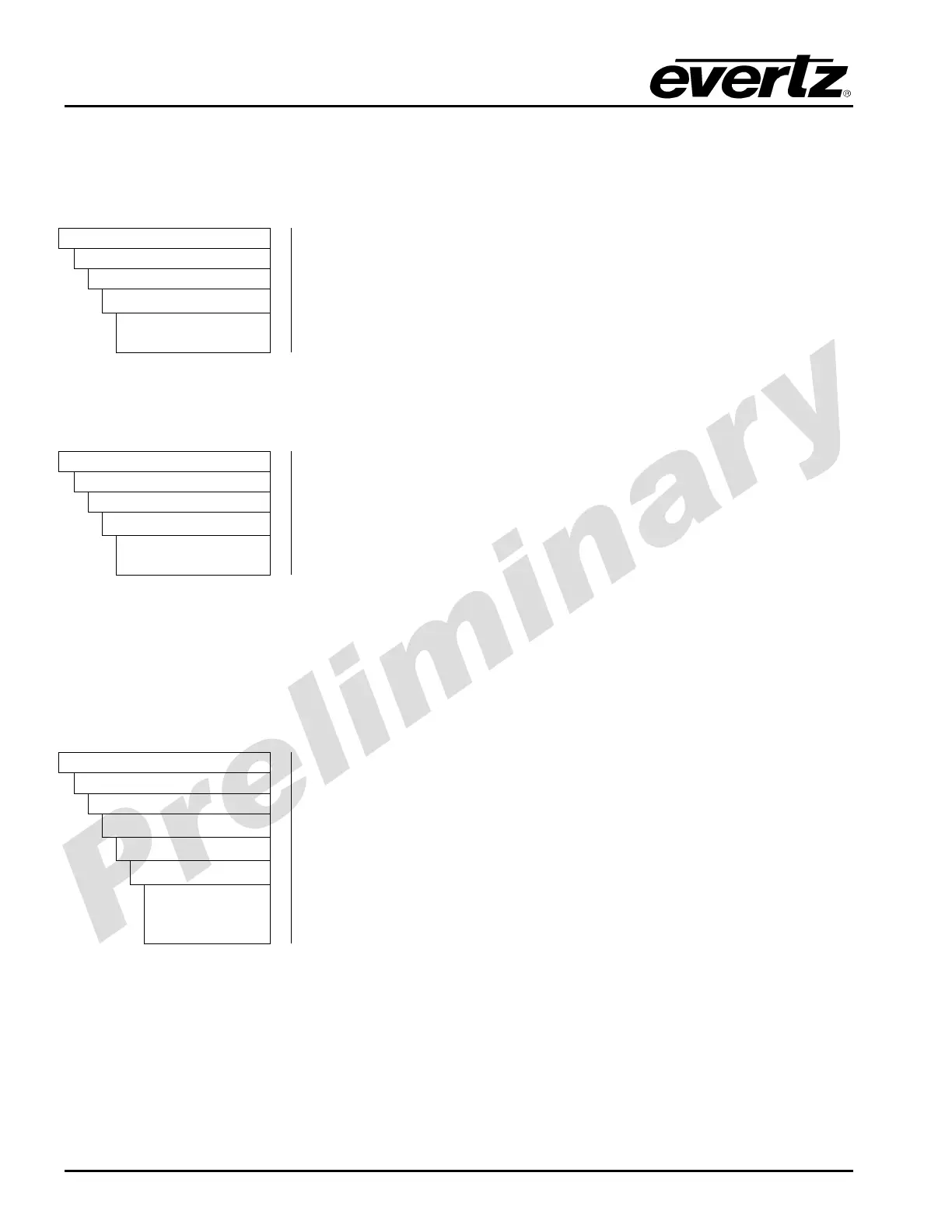
Enabling the White Clip control forces the analog video decoder to clip all values above the level
defined by the White Clip Level control. Disabling the White Clip control bypasses the clipping
function.
Video
AnalogIn
CompositeIn
whiteClip
Enable
Disable
Enable – Enables the white Clip control.
Disable – Disabling the white Clip control bypasses the clipping
function and allows all values to pass.
5.1.3.15. Setting the White Clip Level
The White Clip Level control enables the user to set the level of the white clip for analog video inputs.
Video
AnalogIn
CompositeIn
whiteClipLevel
Enable
Disable
To set the white clip level, enter a value between 90 and 110 into the
WHITE CLIP level field. The units are IRE.
5.1.3.16. Setting the Blanking Controls – Field 1
The Blanking Controls for Field 1 enables the user to set what type of video processing will be applied
to lines 10 through 23 of the incoming video signal. Each line may be comb filtered, notch filtered,
blanked or bypassed directly to the Y channel output. For the sake of brevity only the control for line 10
is shown in this manual. Field 1, line 10 processing is determined using the VBI FLD 1 LINE 10
control. At the time of writing, this feature is not implemented.
Video
AnalogIn
CompositeIn
vbiProcessing
FLD1
Line 10 to 23
Comb
Bypass-to-Y
Blank
Select one of the following options:
Comb – Comb filter content on line n
Bypass-to-Y – Bypass content on line x to Y Channel output.
Blank – Blank content on line n.



 To Next Page