HD2014, HD2012, HD2011 Video Passport
TM
1RU Multi-Path Video Converter, Frame Synchronizer and Decoder
Page 5-16 Revision 0.1 FRONT PANEL OPERATION
5.1.2.20. Setting the Y, Cr and Cb Offset and R, G, B Offset
There are three controls that set the DC Offset of each component in the Y Cb Cr space and the DC
offset each component in the R G B space. For the sake of simplicity, only the Y Offset control will be
included in this manual.
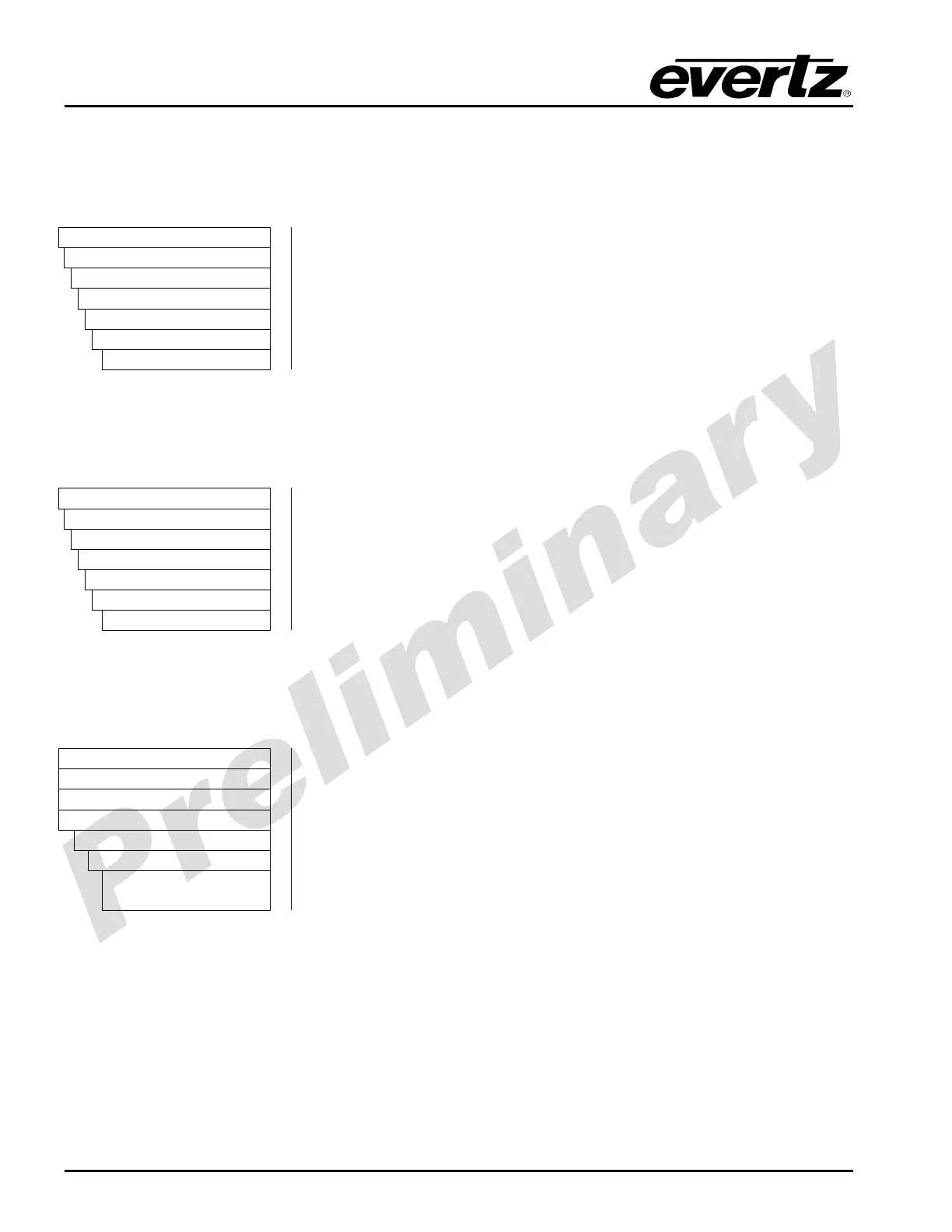
VIDEO
Processing
Converter
Path 1 to 4
Proc
Y Offset
-200 to 200
The Y Offset controls enable the user to adjust the DC offset of the Y
channel in +/- 100 quantization levels. To set the offset value for the Y
channel, enter a value between -100 and 100 into the appropriate Y
offset field.
5.1.2.21. Setting the R, G and B Gamma Level
With the Gamma Level control, the user can adjust the Gamma correction factor for R, G, and B. For
the sake of simplicity, only the R Gamma control will be included in this manual.
VIDEO
Processing
Converter
Path 1 to 4
Proc
rGamma
-128 to 127
The R Gamma control enables the user to adjust the gamma level for
the R channel. To set the gamma value for the R channel, enter a
value between -128 and 127 into the appropriate R Gamma field.
5.1.2.22. Setting the Hue
With the HUE control, the user can adjust the HUE of the video signal in the processing path.
VIDEO
Processing
Converter
Path 1
Proc
Hue
-180 to 180
degrees
With the HUE control, the user can adjust the Hue or colour of the
video with a +/- 180 degrees range in 0.1 degree increments. To set the
hue for the converter, enter a value between -180 to 180 degrees into
the Hue field. On the HD201x On front panel the selected value is show
in both degrees (range -180 to 180) and a numerical value (-1800 to
+1800)



 To Next Page