HD2014, HD2012, HD2011 Video Passport
TM
1RU Multi-Path Video Converter, Frame Synchronizer and Decoder
FRONT PANEL OPERATION Revision 0.1 Page 5-33
5.1.4.7. Setting the H Blanking
The H Blanking setting enables the user to set the Horizontal blanking boundaries. To set the H
blanking control, select either narrow or wide from the drop down menu.
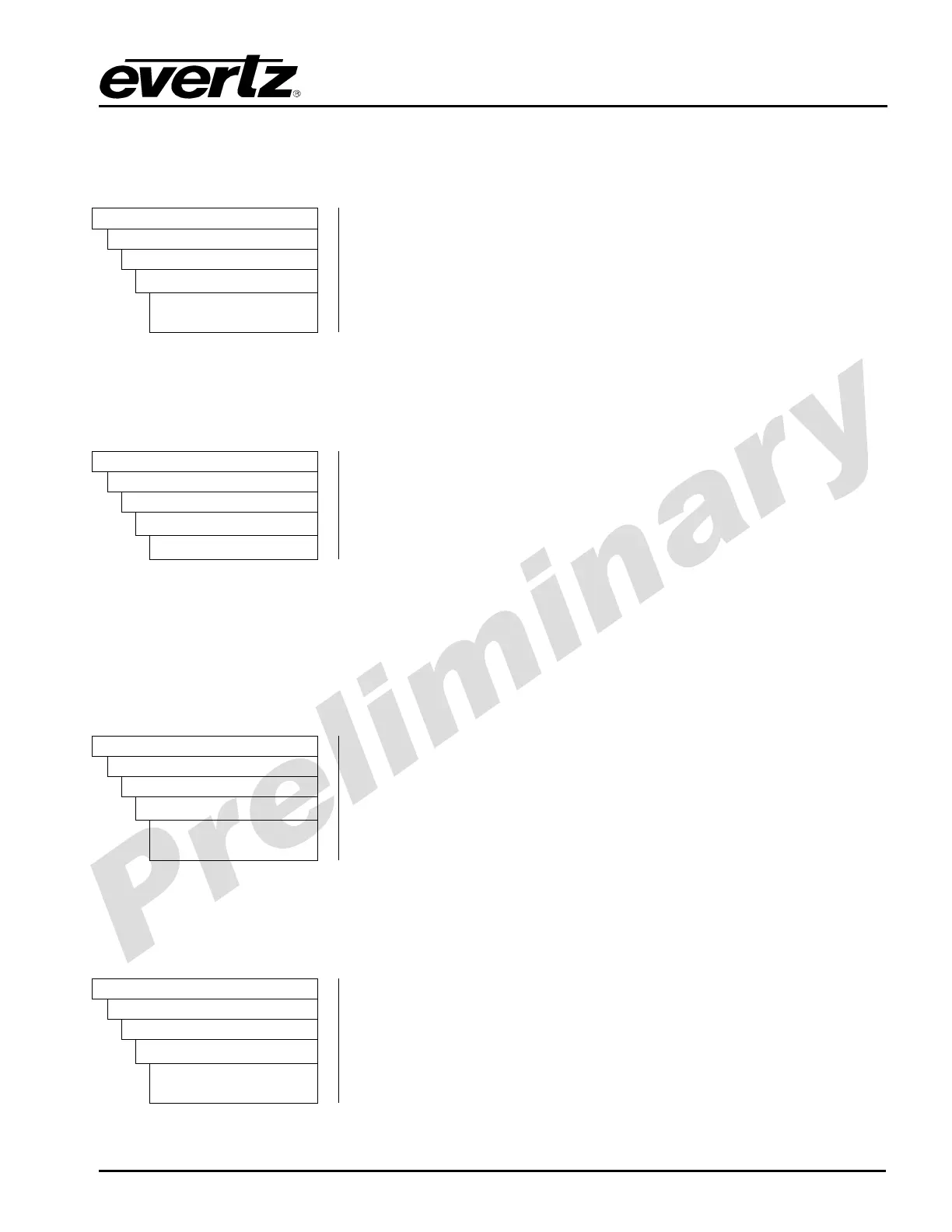
Video
AnalogOut
CompositeOut
hBlanking
Narrow
Wide
When set to Narrow, the H blanking will be 10.7µsec wide.
When set to Wide, the H blanking will be 11.2µsec.
5.1.4.8. Setting the Hue
The Hue control allows the user to adjust the Hue of the analog video output in increments of 0.175
degrees.
Video
AnalogOut
CompositeOut
Hue
0 to 255
To set the hue, enter a value between 0 and 255 into the Hue field.
Level 0 corresponds to -22.5 degrees Hue shift
Level 128 corresponds to 0 degrees Hue shift
Level 255 corresponds to +22.5 degrees Hue shift.
5.1.4.9. Enabling Line 21 Pedestal
Line 21 closed captioning has been defined to NOT have a 7.5 IRE pedestal, but it is placed on the
first active line of video where there may be a pedestal. The upstream closed captioning encoder
should not have generated a setup pedestal. When encoding composite video with properly keyed
captioning, a pedestal must not be generated. This control, when set to Off, will not create the 7.5 IRE
pedestal on line 21. When set to On, the 7.5 IRE pedestal will be generated on line 21.
Video
AnalogOut
CompositeOut
Line21Pedestal
On
Off
ON: Turns the Line 21 Pedestal On.
OFF: Turns the Line 21 Pedestal Off.
5.1.4.10. Setting the Luma Bandwidth
The Luma Bandwidth control enables the user to set the luma bandwidth of the analog video output.
To set the luma bandwidth, select either composite or wideband from the drop down menu.
Video
AnalogOut
CompositeOut
lumaBandwidth
Wideband
composite
Wideband: Enables the luma bandwidth to be set by Luma
Bandwidth Frequency Response control.
Composite: The luma channel will be filtered with a standard
composite filter.



 To Next Page