HD2014, HD2012, HD2011 Video Passport
TM
1RU Multi-Path Video Converter, Frame Synchronizer and Decoder
FRONT PANEL OPERATION Revision 0.1 Page 5-13
5.1.2.13. Setting SD Blanking
With the SD Blanking control, the user can adjust which standard definition lines will be blanked prior
to up-converting the signal. All active video lines up to and including the selected line number will be
blanked. Normally line 21 (where closed caption information may be present) is blanked. Captioning
will still be processed normally; this control prevents caption waveforms from being processed as video.
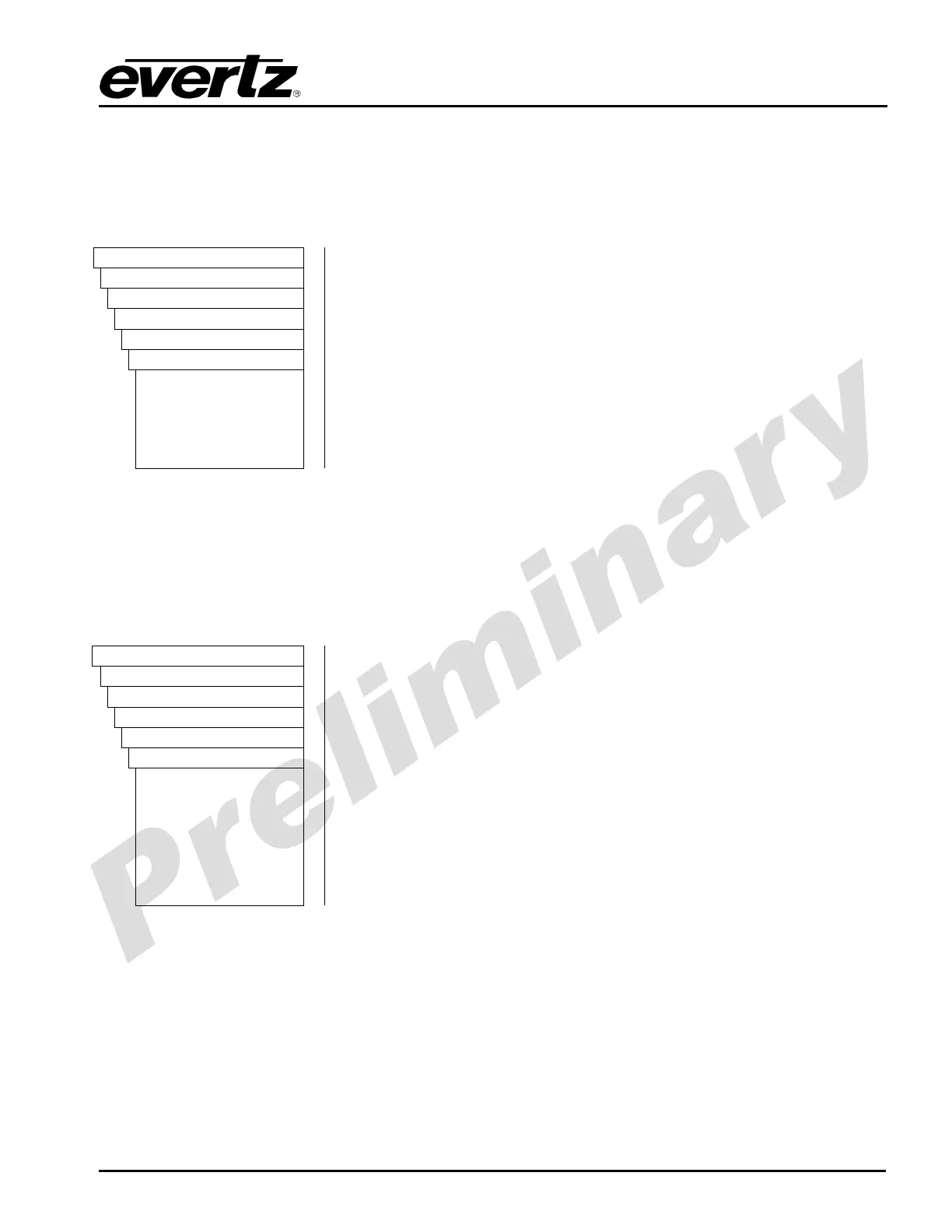
VIDEO
Processing
Converter
Path 1
IO
sdBlanking
19
20
21
22
23
To set the SD Blanking control, select a value from the list of
supported line numbers.
19 Lines up to and including line 19 will be blanked.
20 Lines up to and including line 20 will be blanked.
21 Lines up to and including line 21 will be blanked.
22 Lines up to and including line 22 will be blanked.
23 Lines up to and including line 23 will be blanked.
5.1.2.14. Setting the Input Video Standard
The Video Input Standard control selects the input video standard being used. Interlaced video
formats are shown with the number of fields per second. Progressive formats are shown with the
number of frames per second. Converters are not capable of temporal processing, so it will not convert
between 59.94 and 60 or between 50 and the 60 related frame rates. When the input standard is set
to Auto, the module will auto-detect the video standard.
VIDEO
Processing
Converter
Path 1 to 4
IO
videoStdInput
Auto
525i5994
1080i5994
720p5994
625i50
1080i50
720p50
To select a specific video input standard, select a standard from the
drop down list of supported input video formats.
Auto: Auto-detect input video standard.
525i5994: Select 525i/59.94 as the input video standard.
1080i5994: Select 1080i/59.94 as the input video standard.
720p5994: Select 720p/59.94 as the input video standard.
625i/50: Select 625i/50 as the input video standard.
1080i50: Select 1080i/59.94 as the input video standard.
720p50: Select 720p/59.94 as the input video standard.



 To Next Page