28
WARNINGS AND DIAGNOSTIC MESSAGES (continued)
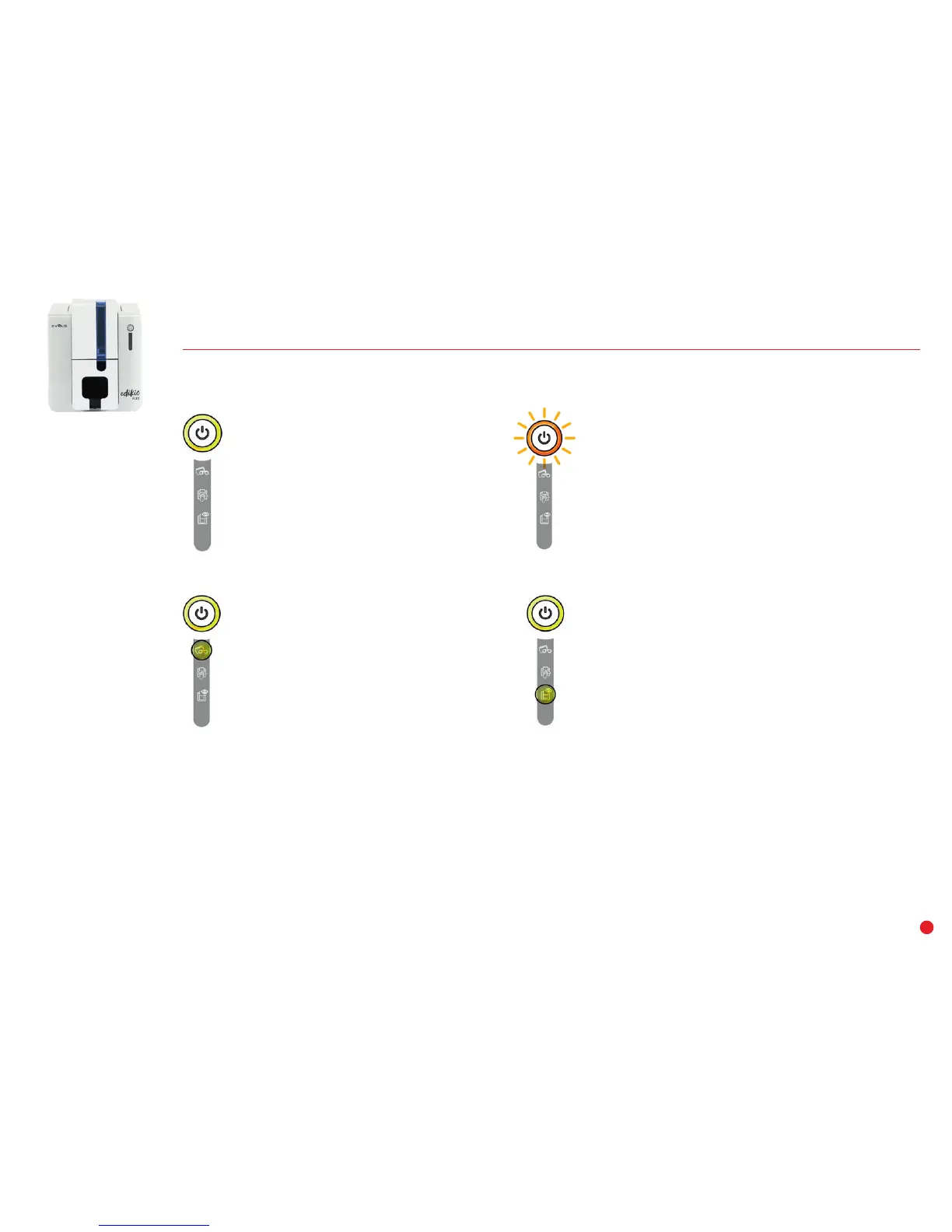
RIBBON
• No ribbon in the printer.
• End of ribbon.
• The ribbon is not correctly fitted.
• The ribbon is torn.
• The ribbon is not recognized.
Check the condition of the ribbon in the
printer. If you have a print job in progress,
this restarts with a new card.
CARDS
• No cards in the card feeder.
Reload cards into the feeder – the process
starts again.
• Error loading cards.
Check the cards are loaded. For any other
problems, contact your Edikio by Evolis
reseller.
PRINTER READY
• The printer is ready to
receive data.
PROCESSING
• The printer is receiving data.
PRINTER COVER OPEN
• The printer cover is open.
Close the cover. The printer restarts.
MECHANICAL ERROR
• Card jammed in the printer.
• Mechanical component fault.
Open the cover and hold down the control
button to eject the jammed card. For more
details, refer to page 34.
If the problem persists, contact your Edikio
by Evolis reseller for assistance.



 To Next Page