2-2 Managing the print settings
Once the ribbon has been installed, your Evolis printer will automatically adapt its parameters and settings to suit the ribbon.
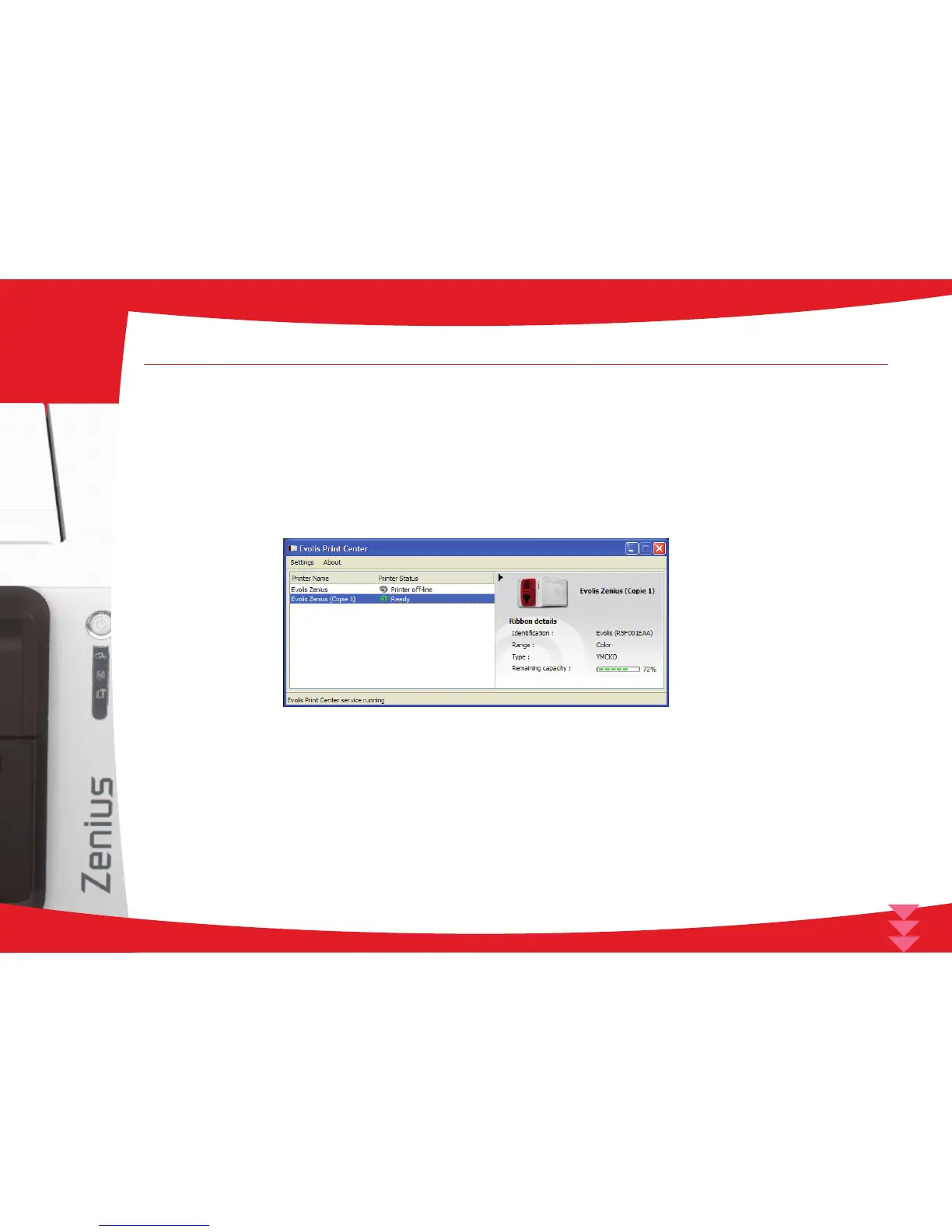
A graphic application called Evolis Print Center is available to help you if necessary to change certain predened settings.
To access this application:
n From the Start button on the bottom left of your screen in the Windows task bar, select All programs, Evolis Card Printer, Evolis Premium
Suite, Evolis Print Center
n The application displays all connected Evolis printers.
14
2



 To Next Page