27
EVONIC - 104 INSTRUCTION MANUAL TEMPLATE ISS. 1EVONIC - 104 INSTRUCTION MANUAL TEMPLATE ISS. 1 INSETS. 1INSETS. 1
5 6
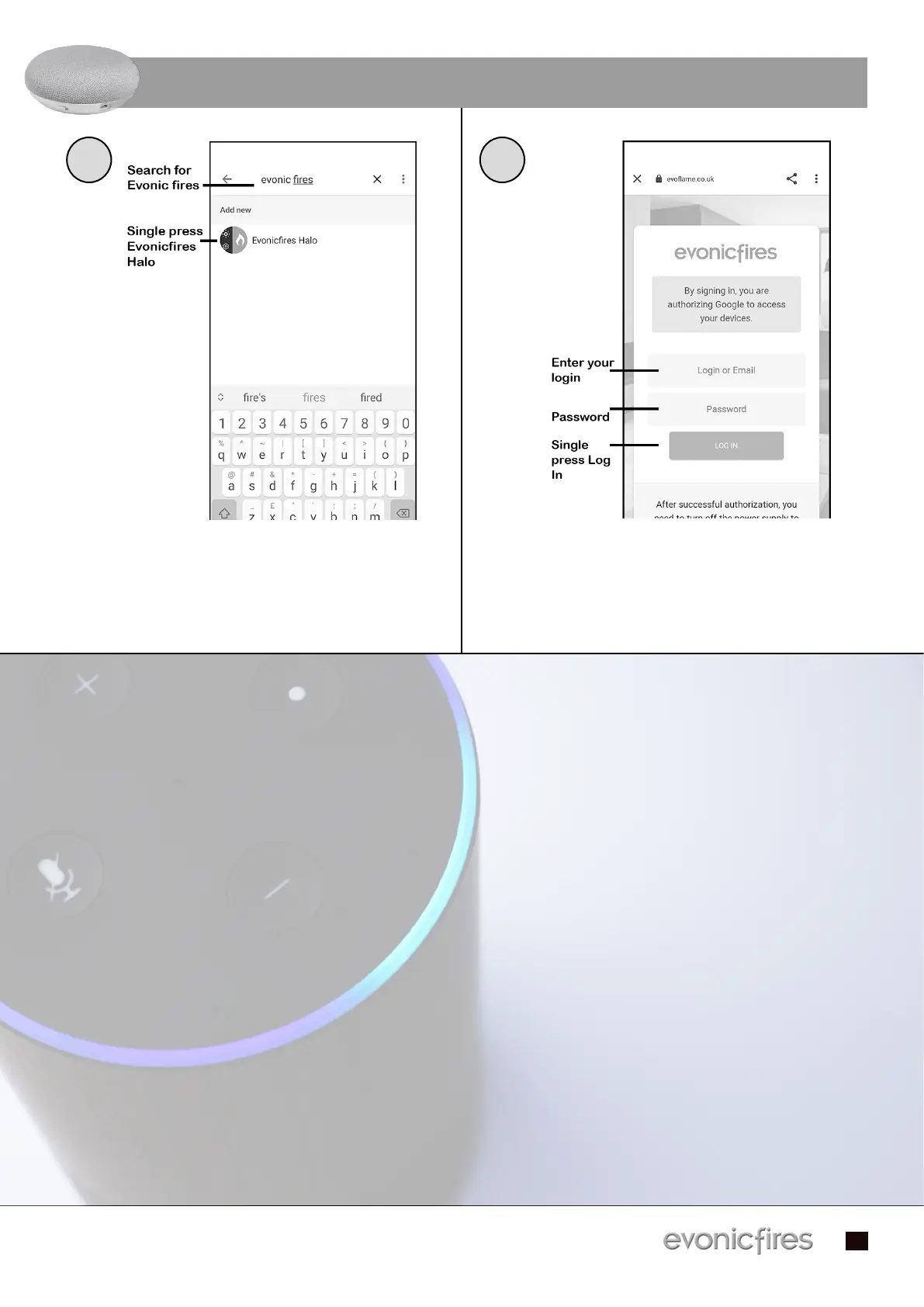
Type in Evonic Fires, single press search and Type in Evonic Fires, single press search and
then select the Evonic Fires E-Smart icon.then select the Evonic Fires E-Smart icon.
Once in the Evoflame log in page, enter the Once in the Evoflame log in page, enter the
log in details that you previously entered in log in details that you previously entered in
the app set up process, and single press Log the app set up process, and single press Log
In. Your appliance is now paired with Google In. Your appliance is now paired with Google
Home!Home!
CONTINUED...


 To Next Page