Cable type @ 2970 Mbps
RG59 30 m / 98 ft
RG6 70 m / 230 ft
RG11 85 m / 279 ft
Fiber 55 km (*)
(*) 55 km is the total length of the return path, i.e. the actual distances between the 2
servers connected via the fiber link is half of this value, i.e. 22.5 km @ 2970 Mbps.
NOTE
When reclockers are used, the total delay induced by these reclockers between
2 active servers on the network may not exceed 15 μs.
5.6.4. Starting XNet
1. When all above conditions are fulfilled and the cabling is correct, turn on the "Server"
EVS video server.
2. Make sure the value to Server in the Type field in the SDTI section on the Network
page. Then start Multicam.
3. Turn on all "Master" and "Client" EVS video servers, and make sure the appropriate
value is selected in the Type field in the SDTI section.
4. Start Multicam on all of the Master and Client EVS servers.
They should see the "Server" on the network and they will connect automatically.
Connection takes a few seconds (usually between 2 and 5 sec) for each EVS video
server.
46 5. Hardware Installation and Cabling
EVS Broadcast Equipment SA Issue 15.2.A- June 2017


 To Next Page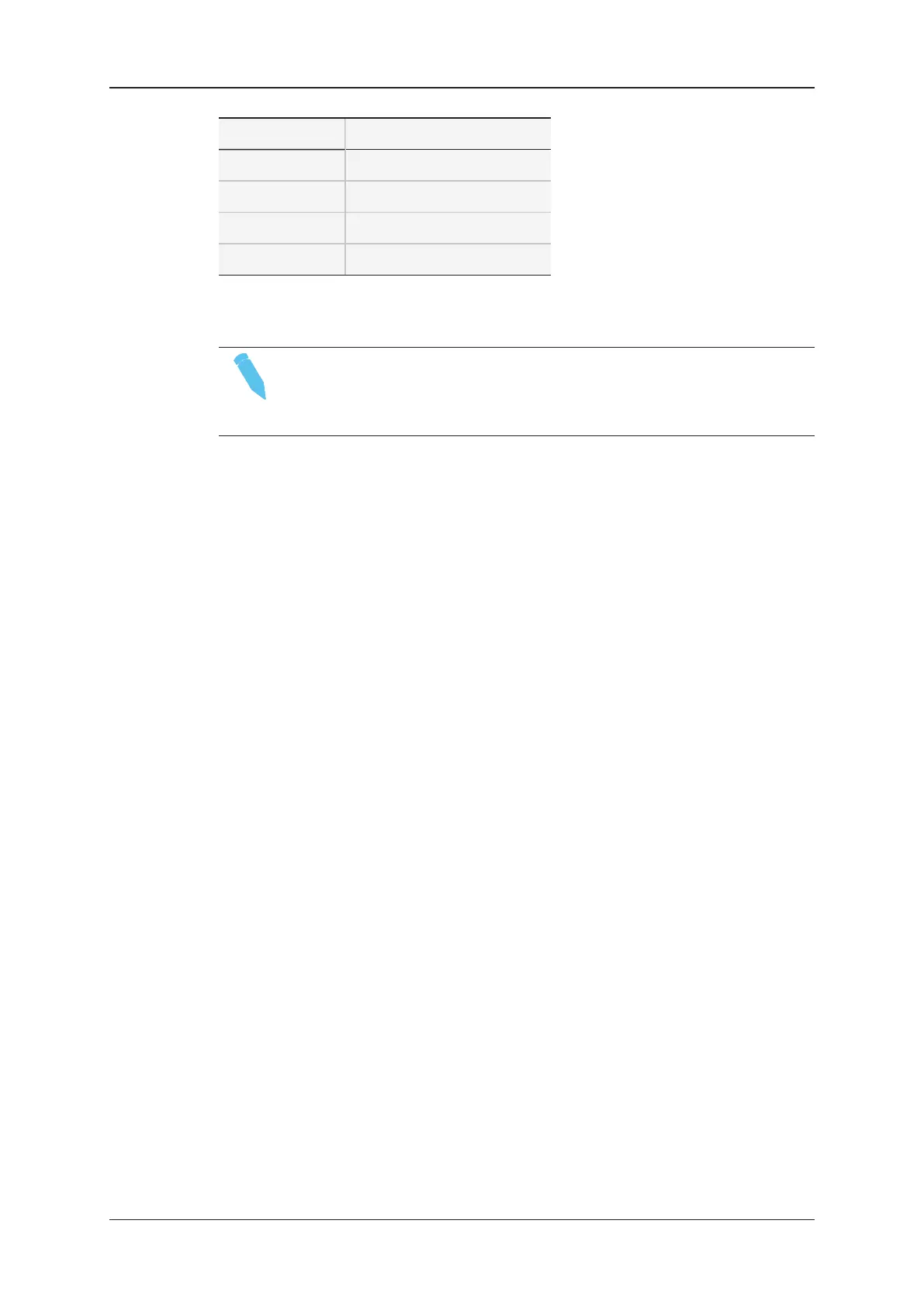
![Preview: EVS XT[2]](https://data.easymanua.ls/products/617905/200x200/evs-xt-2.webp)