Speedtest Settings
EXFO EX1 33
Test
For Wi-Fi:
When selecting Wi-Fi as the interface type/rate, the Wi-Fi connection
status is reported as follows:
Not Connected indicates that no connection to an access point has
been established yet.
Wi-Fi followed by an access point indicates that the EXFO EX1 device
is connected to an access point.
The setting button allows either setting, changing, or
disconnecting to/from an access point (see Wi-Fi on page 37).
Channel Map (see Wi-Fi on page 37)
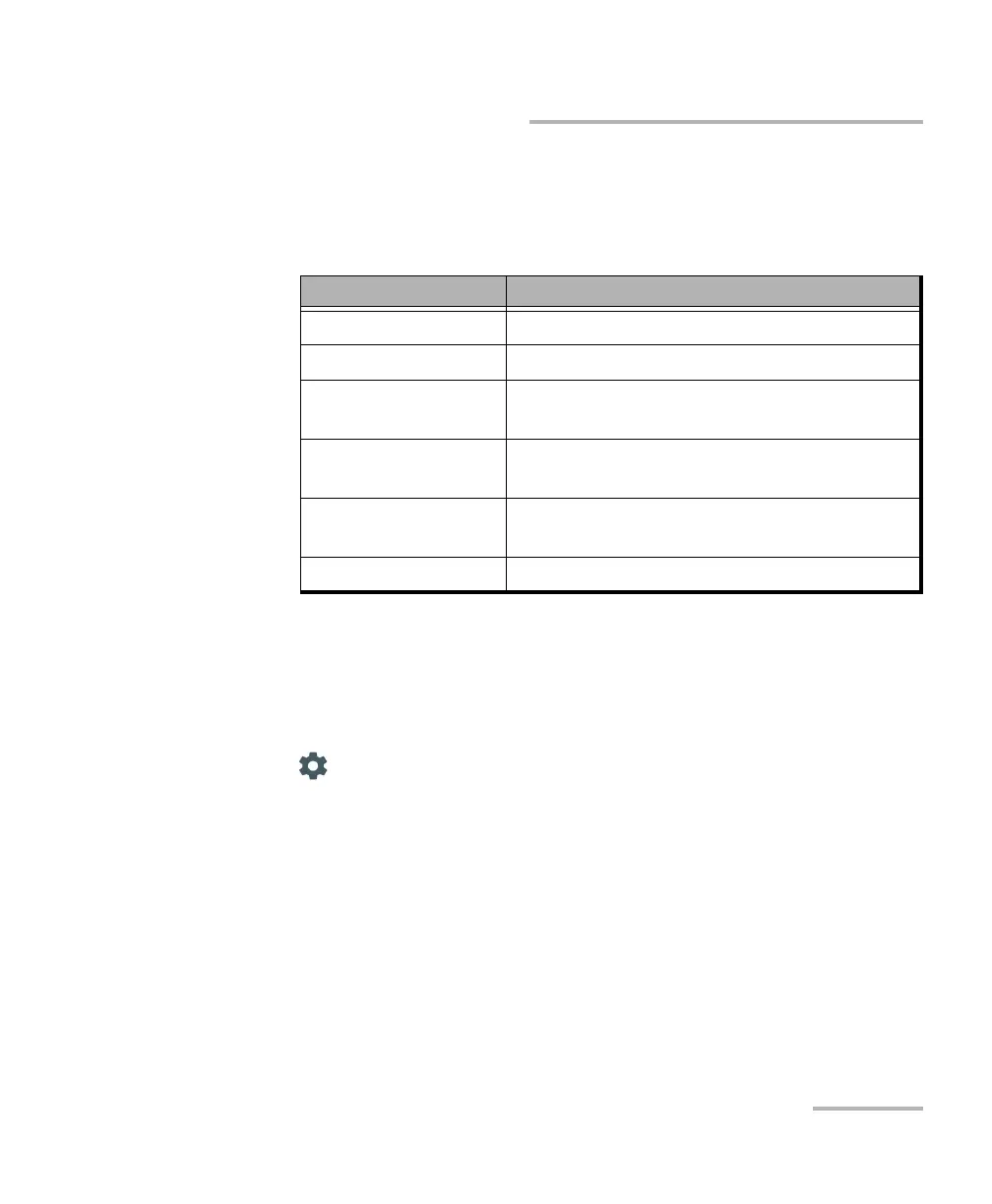
Status Message Description
Connecting… Trying to connect to an access point.
Connection Error Unable to connect to the access point.
Connection Error
Invalid Credential
Unable to connect to the access point du to
invalid credential.
Connected Connection is established with an access
point.
Not Connected No connection to an access point (SSID) has
been established yet.
Not in Range A known access point that is not available.



 To Next Page