Speedtest Settings
40 EXFO EX1
System
Diagnostics
Report Diagnostic Data
Enable this feature to help improve your EX1 experience by automatically
sending diagnostic data (Settings, activity logs, fault logs, …) to EXFO. This
information will not be used to identify you and will help improve the
performance and stability of the product.
See Section 4.8 and Section 6 of the Software License Agreement (refer to
License Agreements on page 23) for additional details.
Turning off this feature does not affect your device's ability to operate
normally to share reports or request firmware updates.
Date/Time
Automatic Date/Time is enabled (not configurable) and set to Automatic
meaning that the EXFO EX1 device uses the smart device date and time.
Battery
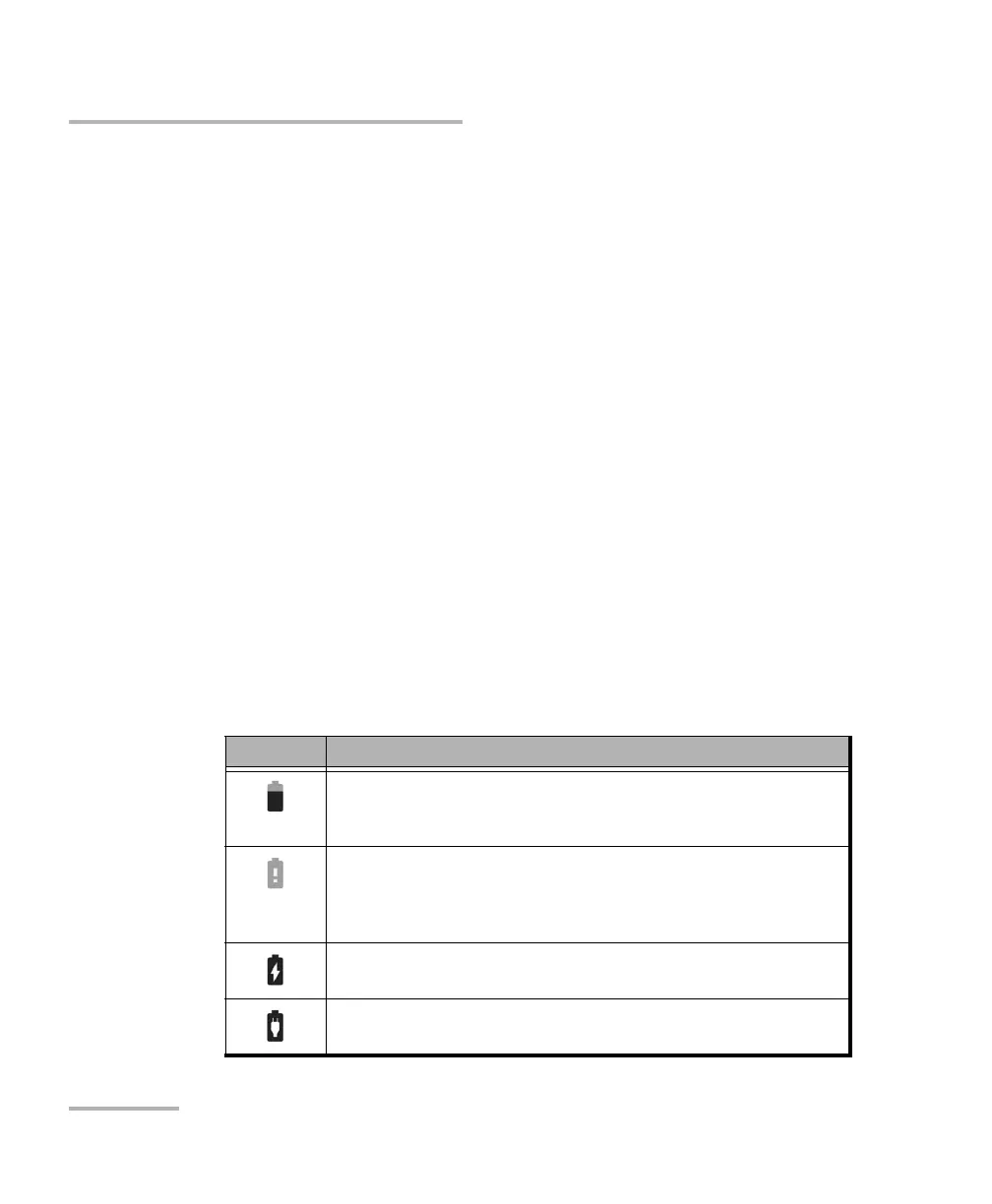
Charge remaining indicates the EXFO EX1 device battery status (icon)
and the percentage of the remaining battery charge level as follows:
Icon Level of charge
Charge remaining when above 5%.
A low battery message is displayed when the battery goes below 25%
indicating to charge the EXFO EX1 device to extend operation.
Charge remaining when below 5%.
A very low battery message is displayed when the battery goes below 5%
indicating that the EXFO EX1 device will shortly shut down and to charge
the EXFO EX1 device to extend operation.
Plugged in and charging.
Plugged in but not charging, the power source is not sufficient to charge
the EXFO EX1 device.



 To Next Page