Working with Your Unit
Compact Modular Platform 91
Setting Storage Parameters for Screen Captures
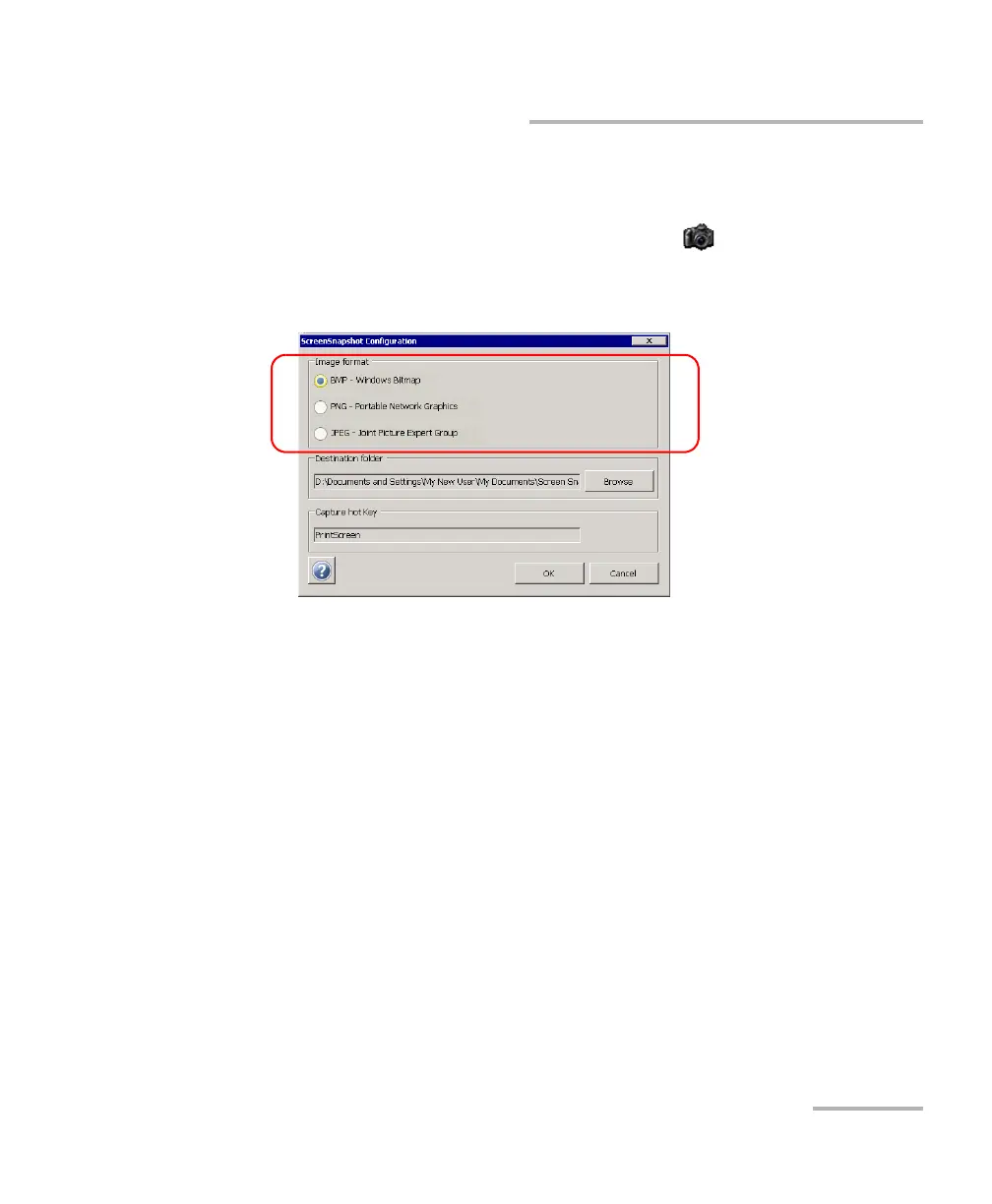
To set the default image format:
1. Minimize the Compact Toolbox window.
2. From the Windows taskbar, double-tap the icon.
3. Under Image format, select the option corresponding to the desired
format.
4. Tap OK to confirm the changes and close the window.












 To Next Page