Managing Data
146 FTB-200 v2
Connecting to a VPN from Your Unit
To retrieve the list of supported VPN clients:
1. On your unit, from Compact ToolBox, select the Utilities tab.
2. Double-tap VPN Installer.
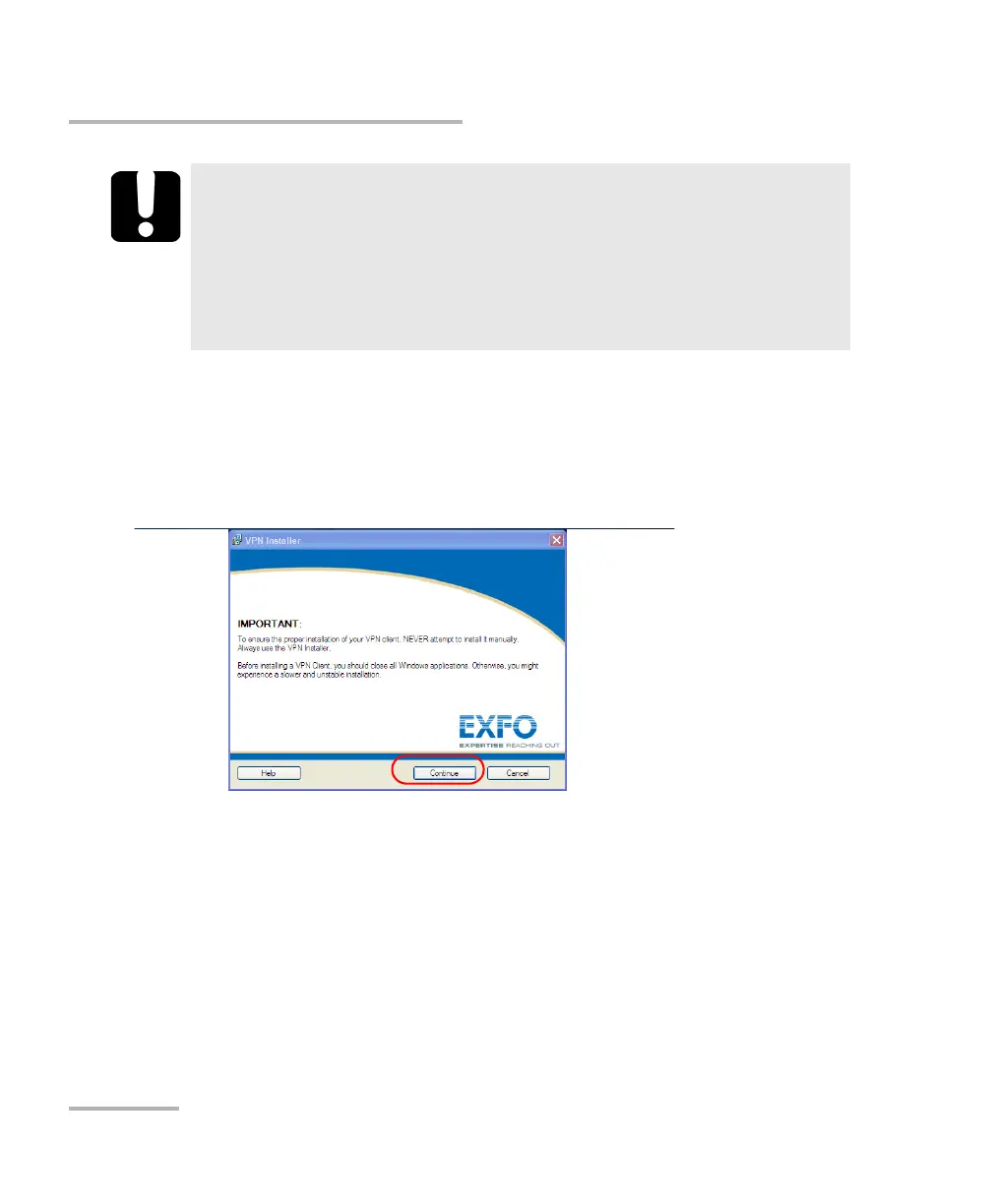
3. From the VPN Installer first window, tap Continue.
IMPORTANT
EXFO does not provide any VPN clients. You must provide the
installation files for one of the supported VPN clients yourself. The
complete list is available from the VPN Installer application.
EXFO cannot guarantee that any VPN client other that those listed
will work properly on your unit.












 To Next Page