Managing Data
Compact Modular Platform 147
Connecting to a VPN from Your Unit
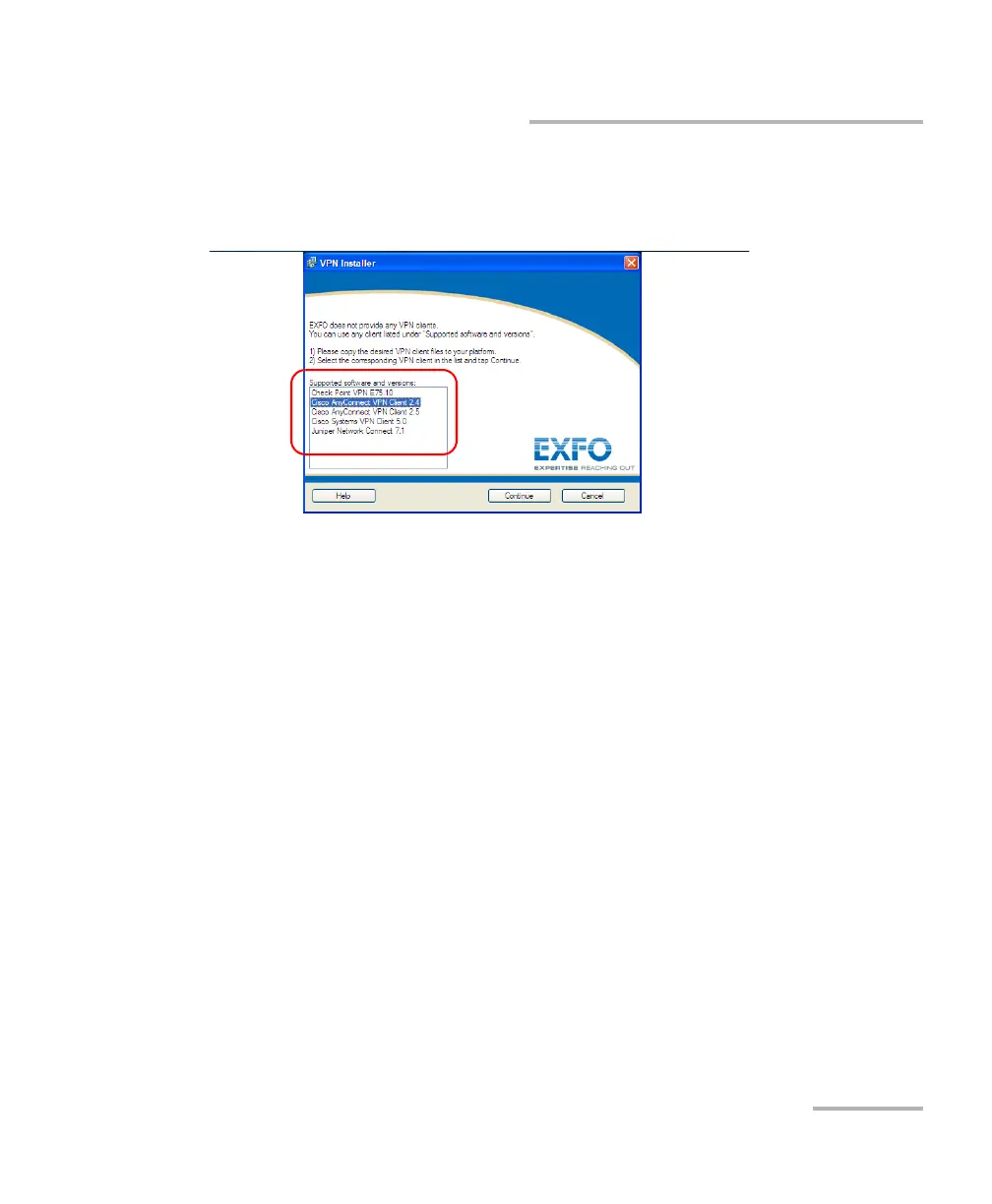
4. All the supported VPN clients appear on the Supported software and
versions list. You can write down this list and contact your network
administrator to get the installation files.
5. Tap Cancel to close the VPN Installer.
You are ready to go to the procedure explaining how to install the VPN
client on your unit.












 To Next Page