Managing Data
Compact Modular Platform 149
Connecting to a VPN from Your Unit
To install a VPN client on your unit:
1. If the date on your unit does not correspond to the current date, modify
it (see Adjusting the Date, Time and Time Zone on page 75).
2. Retrieve the installation files on your unit as follows:
2a. On your unit, create a folder on the Windows desktop.
2b. Copy the installation files (from a USB key or a folder network) to
the newly created folder.
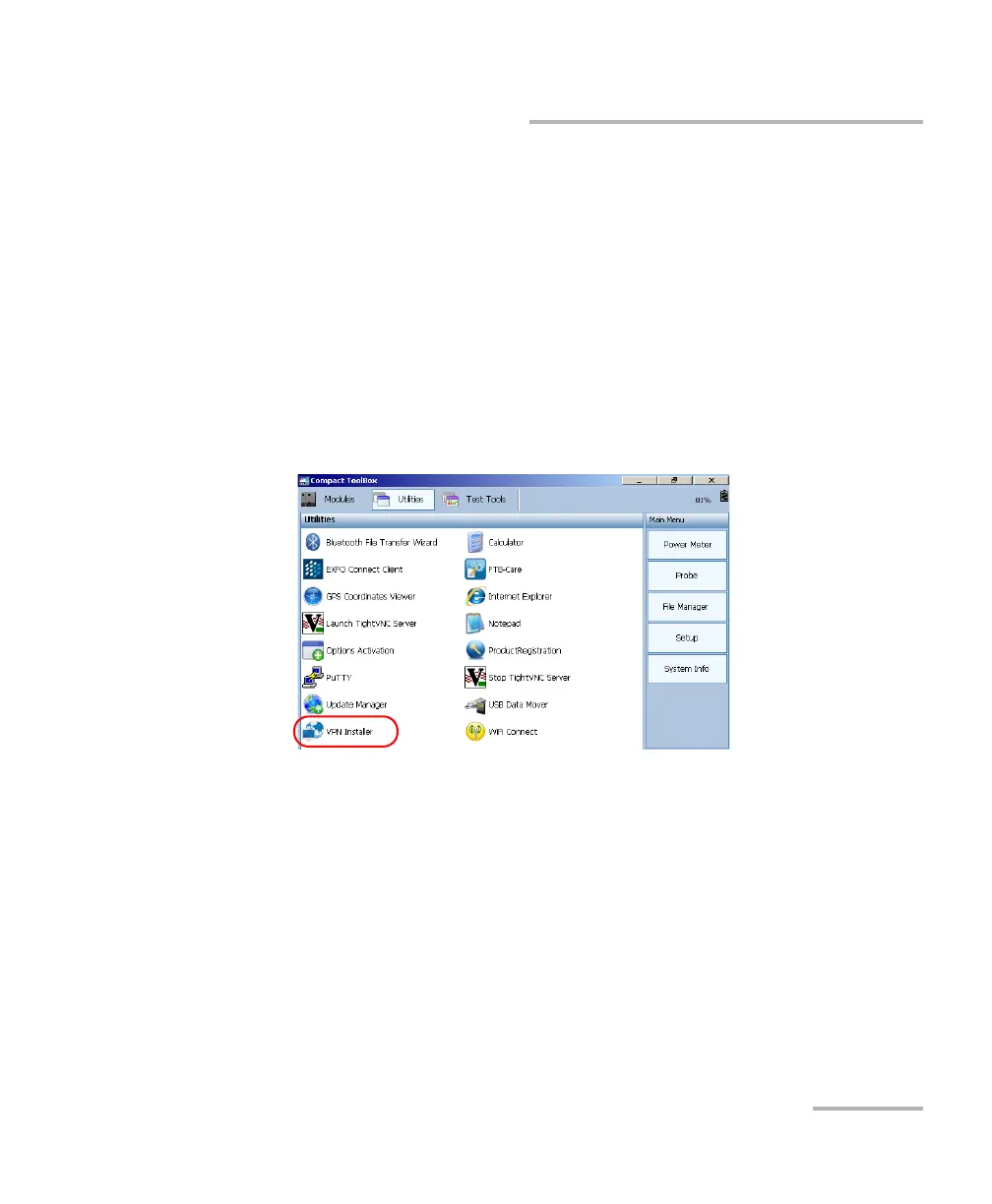
3. On your unit, from Compact ToolBox, select the Utilities tab.
4. Double-tap VPN Installer.












 To Next Page