Managing Data
150 FTB-200 v2
Connecting to a VPN from Your Unit
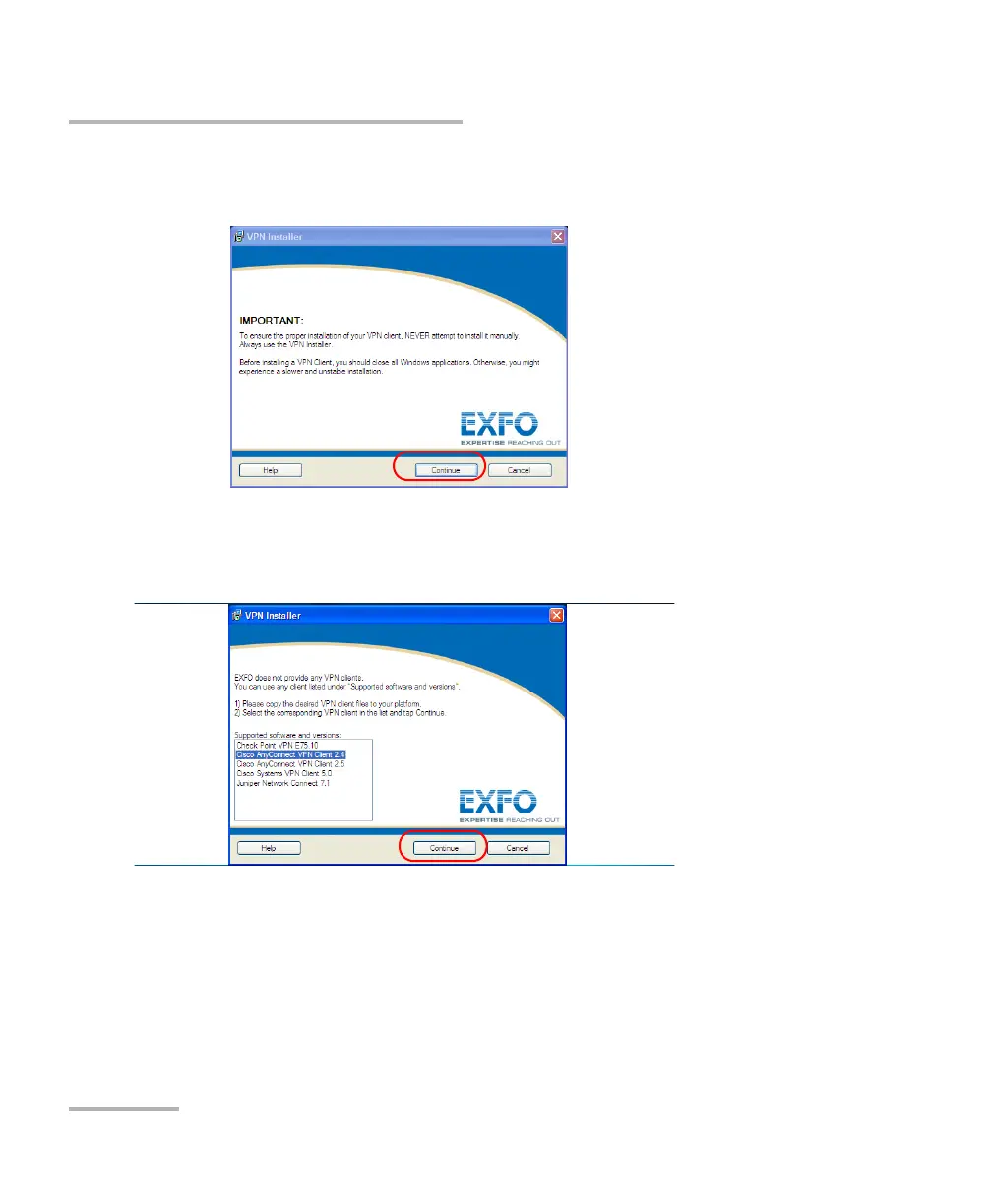
5. From the VPN Installer first window, read the information. When you
have finished, tap Continue.
6. From the Supported software and versions list, select the entry
corresponding to the VPN client for which you have retrieved
installation files at step 2.
Tap Continue.












 To Next Page