Accessing Your Unit Remotely
Compact Modular Platform 157
Working with Remote Desktop
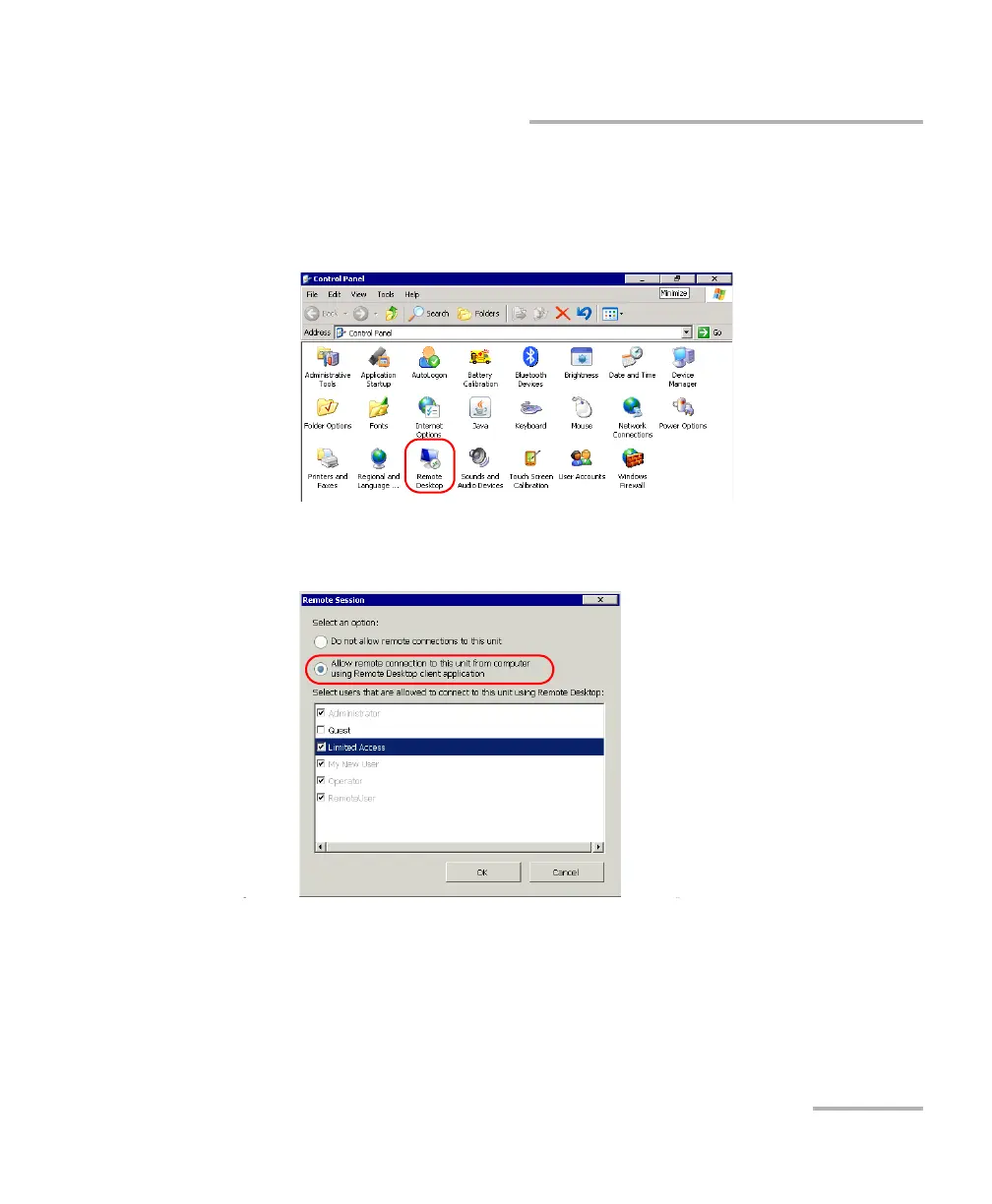
To allow a user with limited accounts to use Remote Desktop:
1. On your unit, from the Main Menu, select Setup.
2. Double-tap Remote Desktop.
3. Ensure that Allow remote connections to this unit from computer
using Remote Desktop client application is selected.
4. From the list of users, select the boxes corresponding to the users to
whom you want to grant access.
5. When your selection is complete, tap OK to confirm.












 To Next Page