Accessing Your Unit Remotely
158 FTB-200 v2
Working with Remote Desktop
Preventing Users from Connecting with Remote
Desktop
You can also configure the unit to prevent users to access it using Remote
Desktop. However, all users having administrator user rights will be able to
modify this setting at any time.
To prevent users from connecting to the unit using Remote
Desktop:
1. On your unit, from the Main Menu, select Setup.
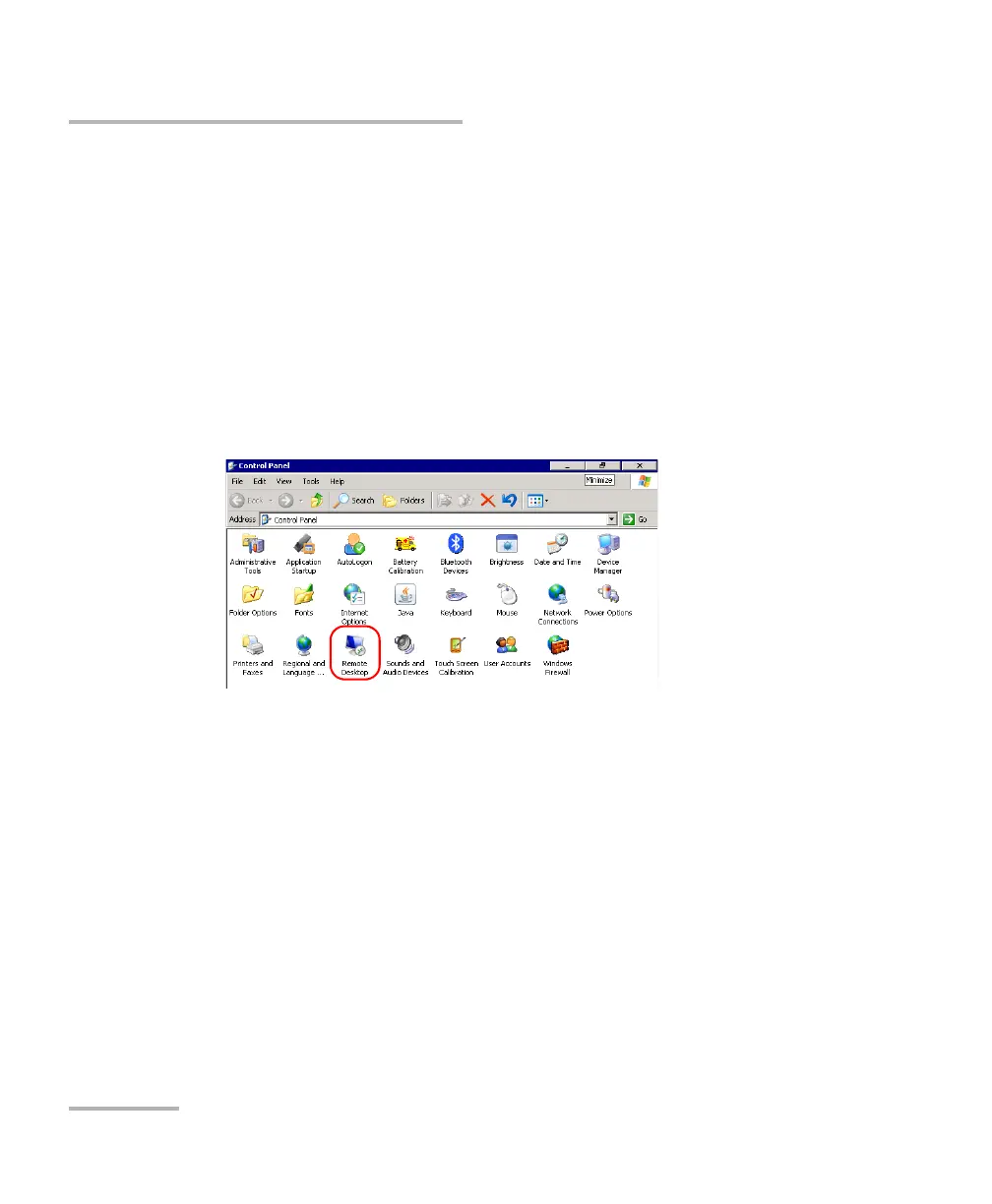
2. Double-tap Remote Desktop.












 To Next Page